
6 min read
Do you still need SSH access to publish a fix?
SSH gives direct access to the server. It is useful for an experienced technician, but it is not a reassuring way to validate a store.
For routine changes, multiplying server access increases the risk surface without improving business validation.
This guide explains when SSH stays relevant, and how to publish most fixes without exposing the server or depending on a privileged access.
Publish a fix without opening the server
Validate the change via a web preview and keep SSH access for the rare cases that truly require it.
Start a free trialSee pricingHow it works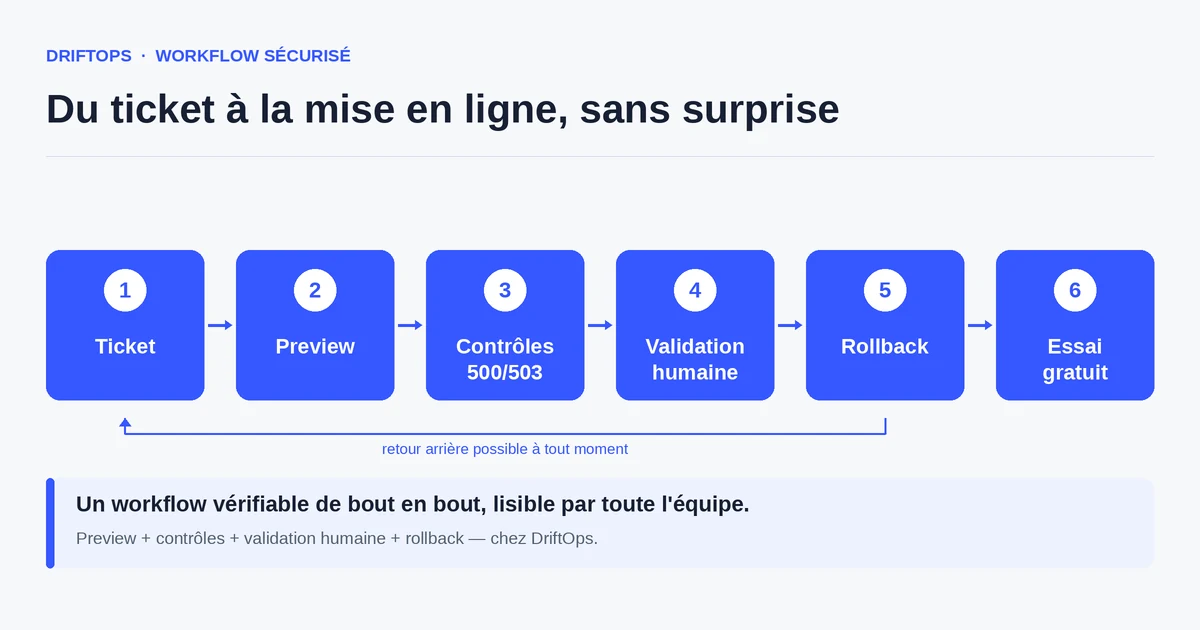
What SSH is really for
SSH is a powerful access: it lets you run commands directly on the server, manipulate files and services. It is indispensable for certain infrastructure or advanced diagnostic tasks.
But publishing a routine fix — a module, a theme, a pricing rule — does not necessarily require that access. What matters then is checking that the store still sells, not opening a terminal.
The reflex "to publish, you need SSH" mixes two needs: the rare technical intervention and the frequent business validation. Separating them reduces the risks.
The risks of a normalised SSH access
Every distributed SSH access widens the attack surface. A credential left lying around, a contractor keeping access after a mission ends, and production becomes vulnerable.
A misused direct access can also cause an outage: a command run on the wrong server, a file deleted by mistake. The power of SSH is also its danger.
Finally, the merchant does not control what happens over SSH. Validation escapes them: they do not see the change, they trust. Yet the business decision should stay visible.
The method: reserve SSH for the cases that require it
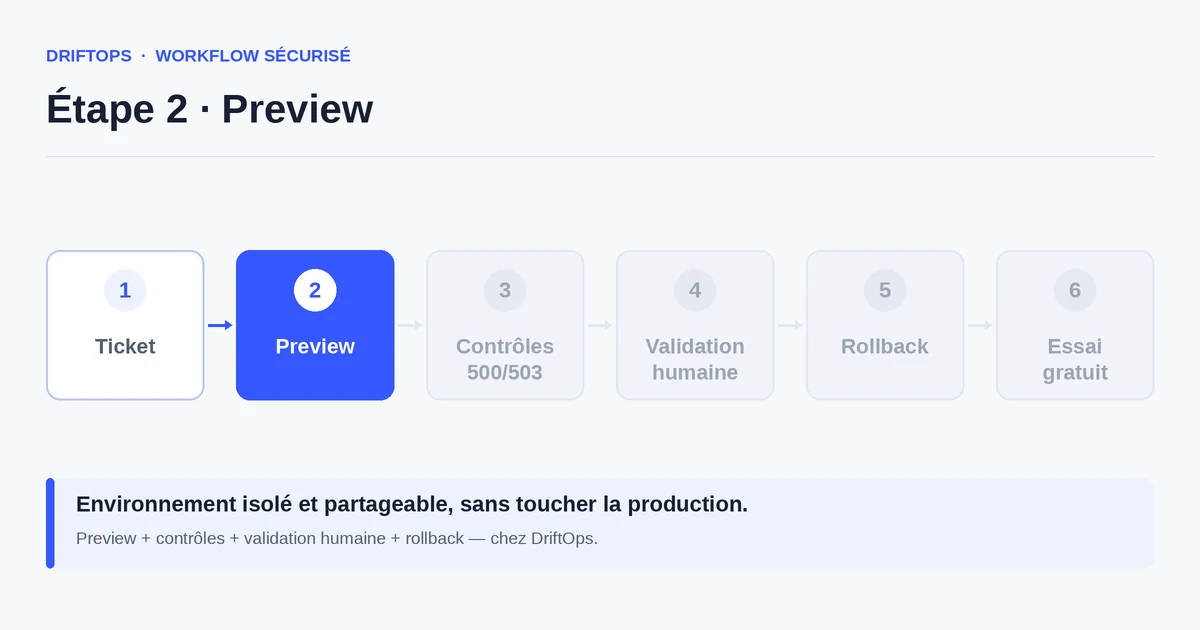
For routine changes, replace server access with a web validation: a testable preview that the merchant or project manager checks in their browser.
Keep SSH for rare technical cases (deep diagnostics, infrastructure operations), with access limited in time and traced. Daily work goes through validation, the exception through privileged access.
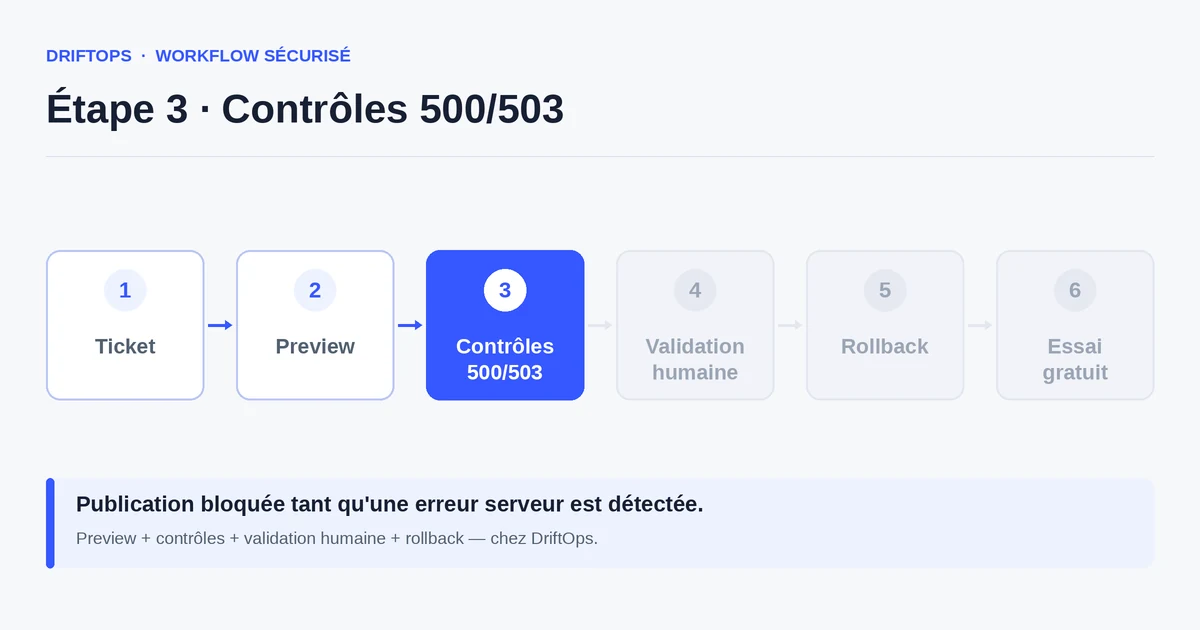
DriftOps publishes from this clear validation: the change is checked on a preview, approved, then put live, without exposing the server on every fix.
Publishing over SSH vs web validation
Publishing over SSH seems direct, but stays reserved for technicians and leaves little business trace. The client does not see the change, and the access must be maintained and secured over time.
A web validation makes the change visible and decidable by a non-technical person, while keeping server access closed for routine operations.
PrestaShop, WooCommerce and Magento compared
| Platform | Frequent risk | Recommended check |
|---|---|---|
| PrestaShop | Modules, overrides, hooks, translations and Smarty cache. | Test product pages, cart, checkout, back office and cache clearing. |
| WooCommerce | Plugins, WordPress options, webhooks, emails and scheduled actions. | Check cart, sandbox payment, coupons, stock and order emails. |
| Magento | Indexes, full-page cache, compilation, store views and modules. | Check catalogue, checkout, indexing, cache warm-up and rollback artefact. |
Do you still need SSH access to publish a fix? becomes more reliable when these differences are treated as explicit checks rather than server details.
Use case: fixing a shipping module
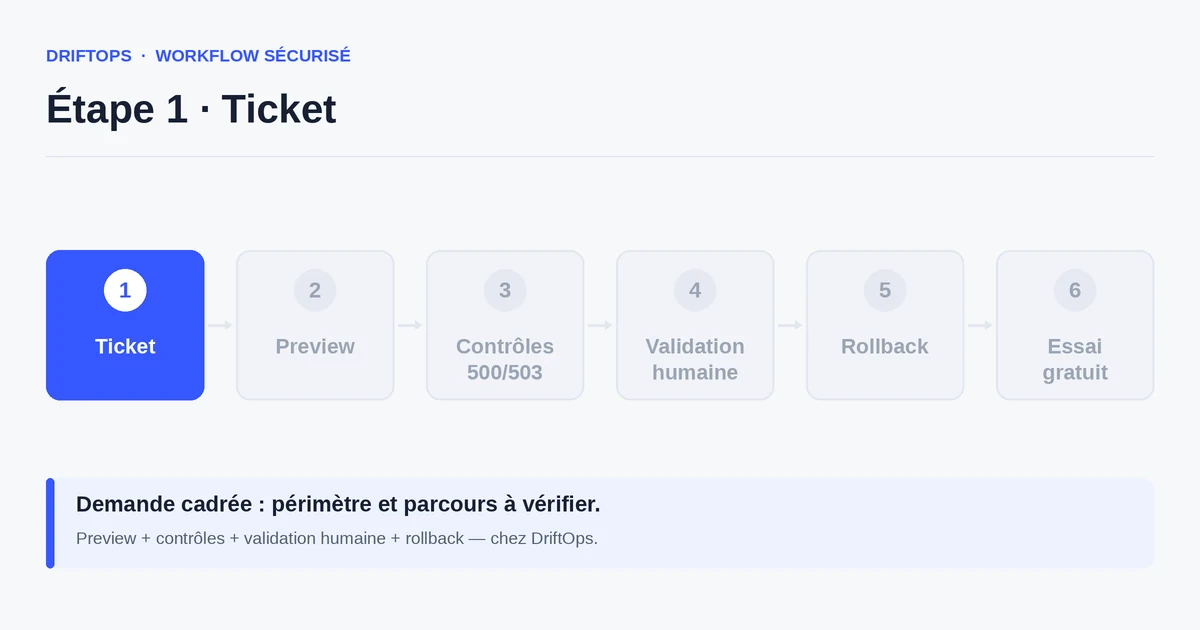
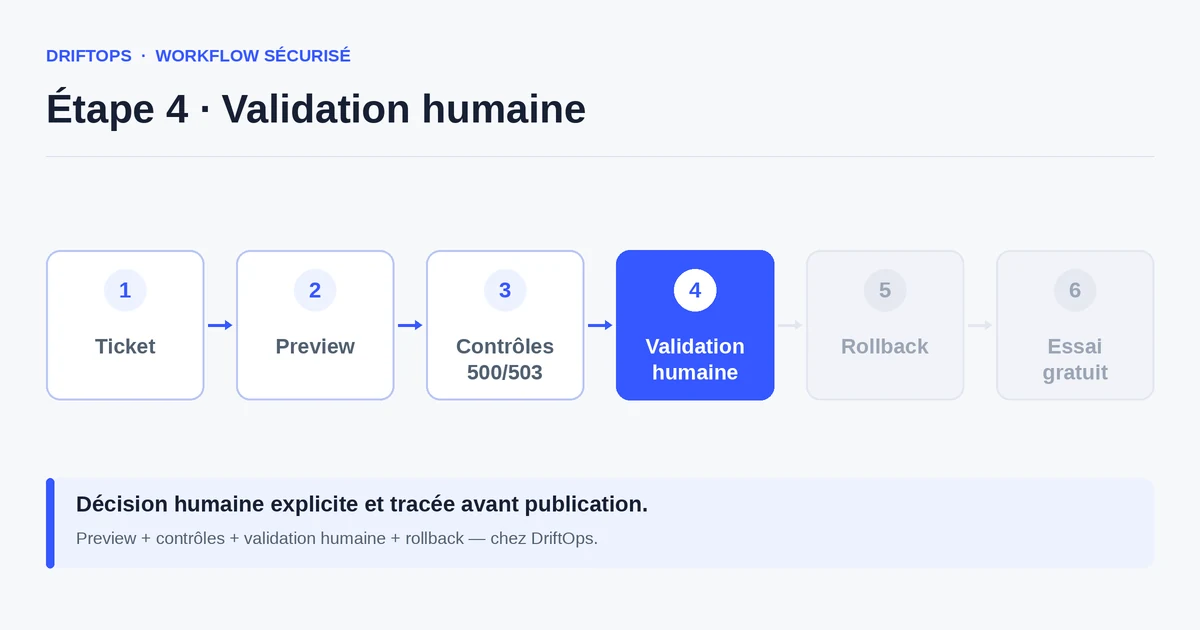
An agency fixes a shipping module on a PrestaShop store. Rather than asking the client for SSH access, it prepares the fix and presents it on a preview.
The client tests an order on the copy, checks that the right carrier appears, then validates. No server access is requested of them, and the agency did not need to open production.
The fix is published after validation, with a clear trace of who approved, without widening the risk surface.
Checklist to limit the use of SSH
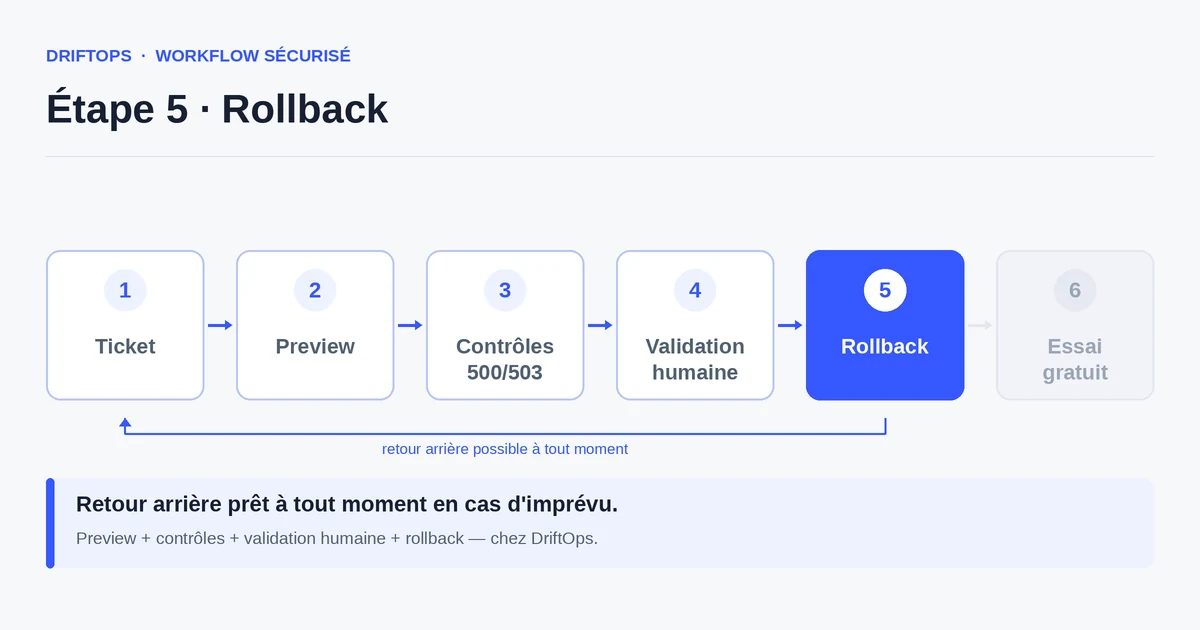
A few principles reduce dependence on server access.
- Identify routine changes publishable via web validation.
- Reserve SSH for rare technical interventions.
- Limit SSH access in time and trace it.
- Remove contractors' access at the end of a mission.
- Give the merchant a preview to validate rather than an access.
- Keep a validation trace for every release.
Measuring the reduction in exposure
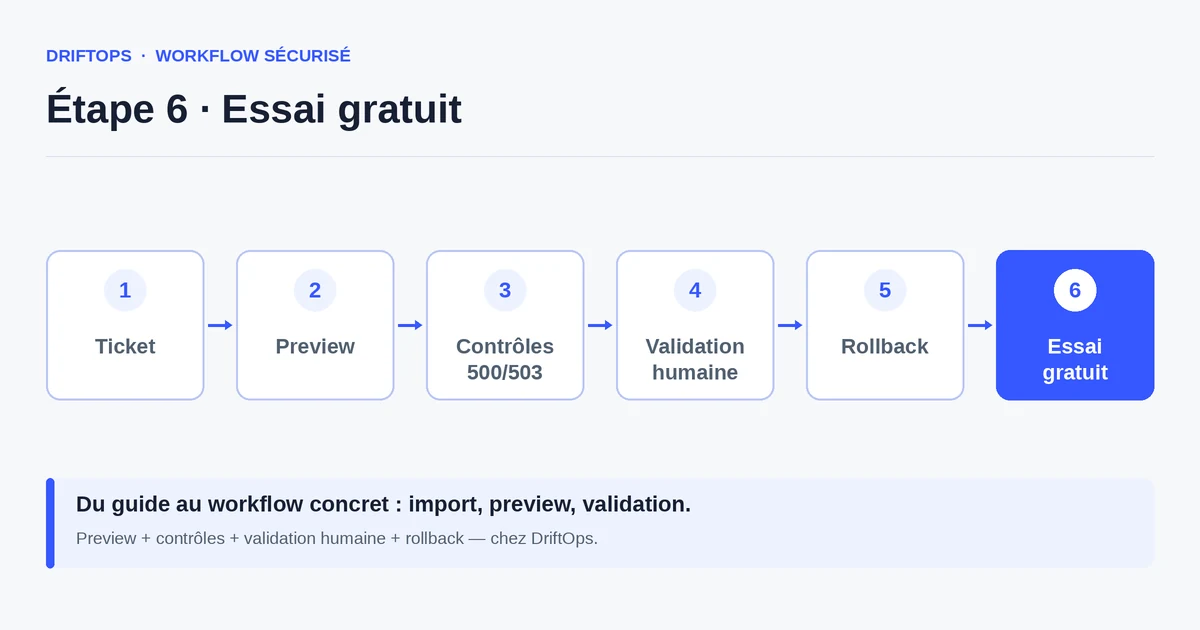
Track the number of active SSH accesses and the share of releases done without server access. Both should decrease as web validation takes over.
Also count incidents tied to a server manipulation: their drop confirms that limiting SSH really reduces the risk.
Conclusion: SSH as the exception, not the routine
SSH should not be the mandatory path for every fix. For routine changes, a web validation protects the store better and keeps the decision on the business side.
By reserving server access for the cases that truly require it, you reduce exposure and mistakes. DriftOps makes publishing possible without opening the server.
Reduce dependence on server access
Offer a web validation for routine changes and limit SSH to rare technical interventions.
Start a free trialSee pricingHow it worksFrequently asked questions
Can a fix be published without SSH?
Yes. Most routine changes — a module, a theme, a pricing rule — can be validated on a web preview and published without server access.
What is SSH actually for?
It gives direct access to run commands on the server and manipulate files and services; it is indispensable for certain infrastructure or advanced diagnostic tasks.
When is SSH still necessary?
For rare technical interventions such as deep diagnostics or infrastructure operations, with access limited in time and traced.
Why limit SSH access?
Every distributed access widens the attack surface: a credential left lying around or a contractor keeping access after a mission ends makes production vulnerable.
How can a misused SSH access cause an outage?
A command run on the wrong server or a file deleted by mistake can break the store; the power of SSH is also its danger.
What replaces SSH for routine changes?
A web validation: a testable preview the merchant or project manager checks in the browser, which keeps the decision visible on the business side.
What should I do with a contractor's SSH access?
Remove it at the end of the mission and keep a regular review of active access, so no forgotten open door remains.
How does DriftOps publish without opening the server?
It publishes from a clear validation: the change is checked on a preview, approved, then put live, without exposing the server on every fix.
Limit the exposure of your sensitive access
DriftOps publishes from a clear validation and keeps server access protected.
Start a free trialSee pricingHow it works