
6 min read
Giving developers access without weakening your store
A developer sometimes needs to step in quickly. But giving all access to everyone creates a permanent risk, especially when several contractors come and go.
A store contains orders and customer data. Too broad an access means a mistake or a leak becomes possible without anyone noticing.
This guide explains how to frame developer access to work efficiently, without opening every door of production.
Frame access without blocking the work
Limit rights to what is useful, work on a copy first and keep a trace of every change.
Start a free trialSee pricingHow it works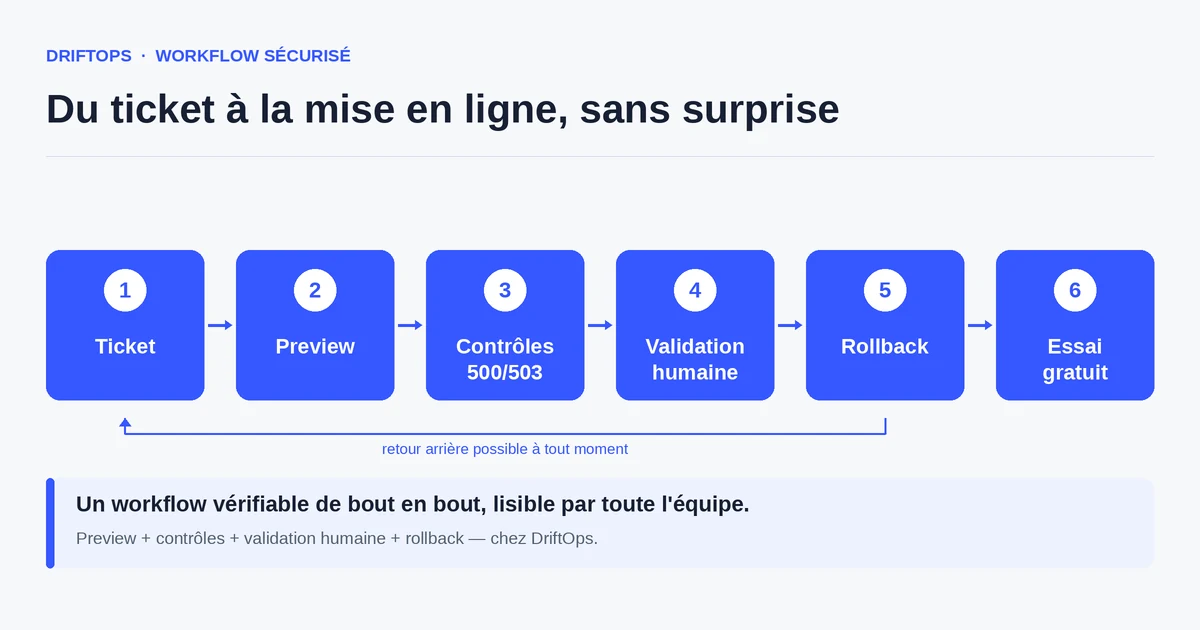
Why access is a security topic
An e-commerce store is a target: it contains personal data, orders and payment means. The access that lets you modify it is therefore a sensitive asset to protect.
The problem is not granting access — it is necessary to work — but granting it too broadly, for too long, and without a trace. An access "kept full to go faster" becomes a lasting risk.
Access security does not oppose productivity: well designed, it lets developers work calmly without fearing they will accidentally touch production.
The risks of overly broad access
The first risk is human error: full access to production lets you delete or change data by mistake, with no intermediate step to catch it.
The second risk is persistence: access granted to a contractor is not always removed at the end of a mission. It accumulates and becomes a forgotten open door.
The third risk concerns customer data. Direct access to the production database exposes personal information that should stay protected, with GDPR implications.
The method: just enough access, on a copy first
Apply the principle of least privilege: each person gets strictly the access needed for their task, and only for the duration of that task.
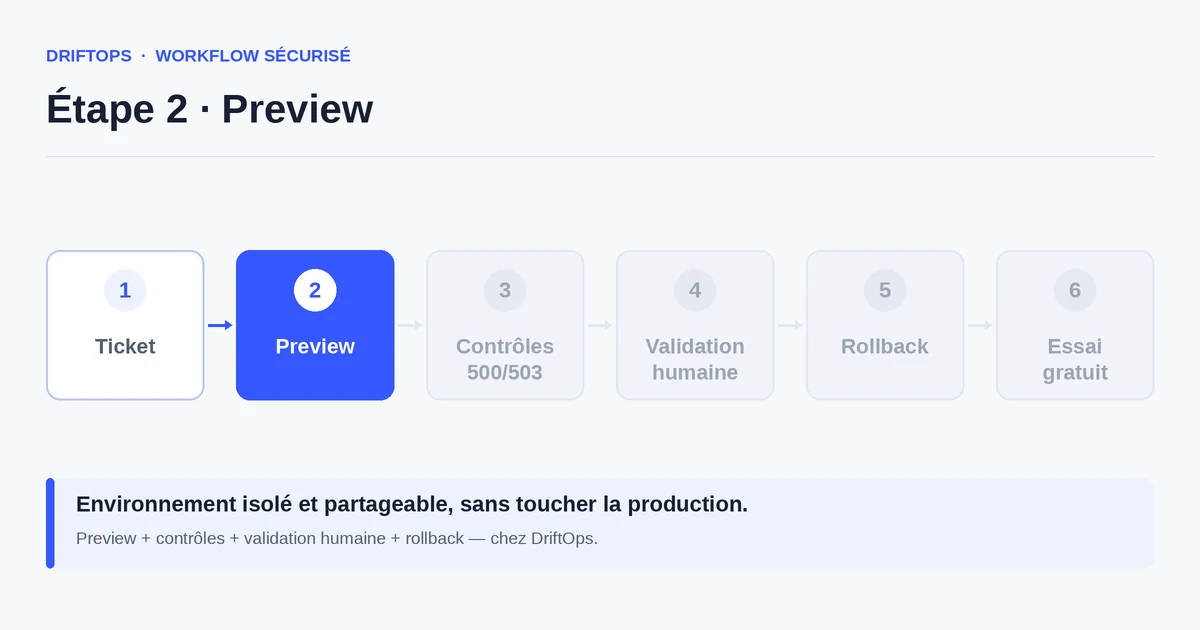
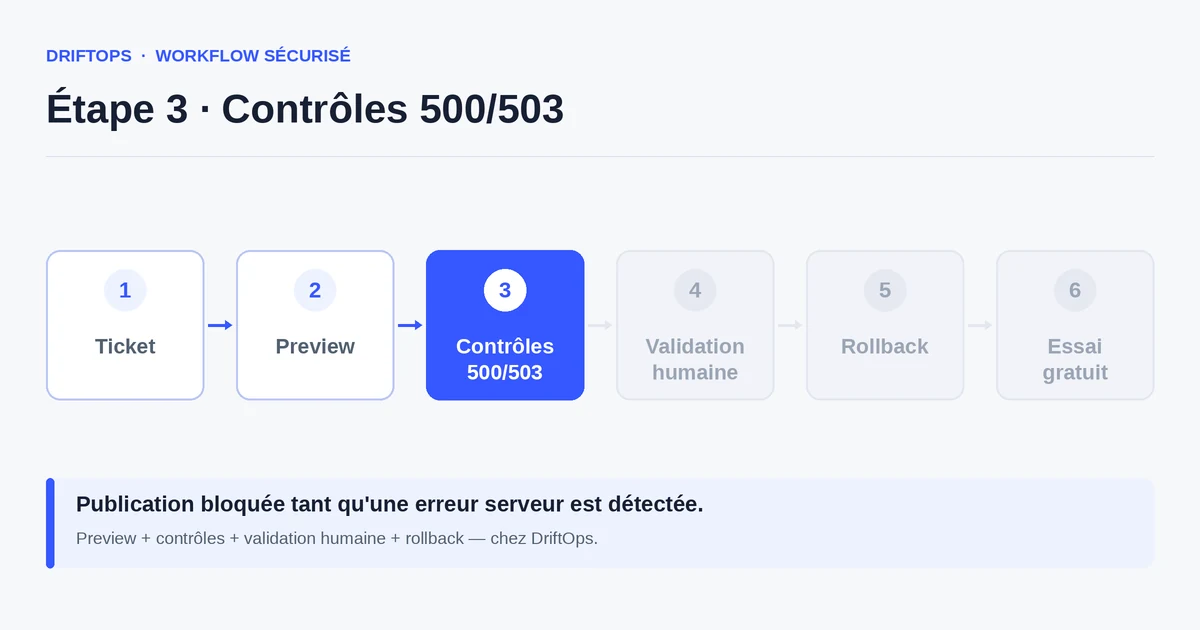
Have developers work first on a testable copy, not on production. The live store only receives the validated version, which reduces exposure while keeping work speed.
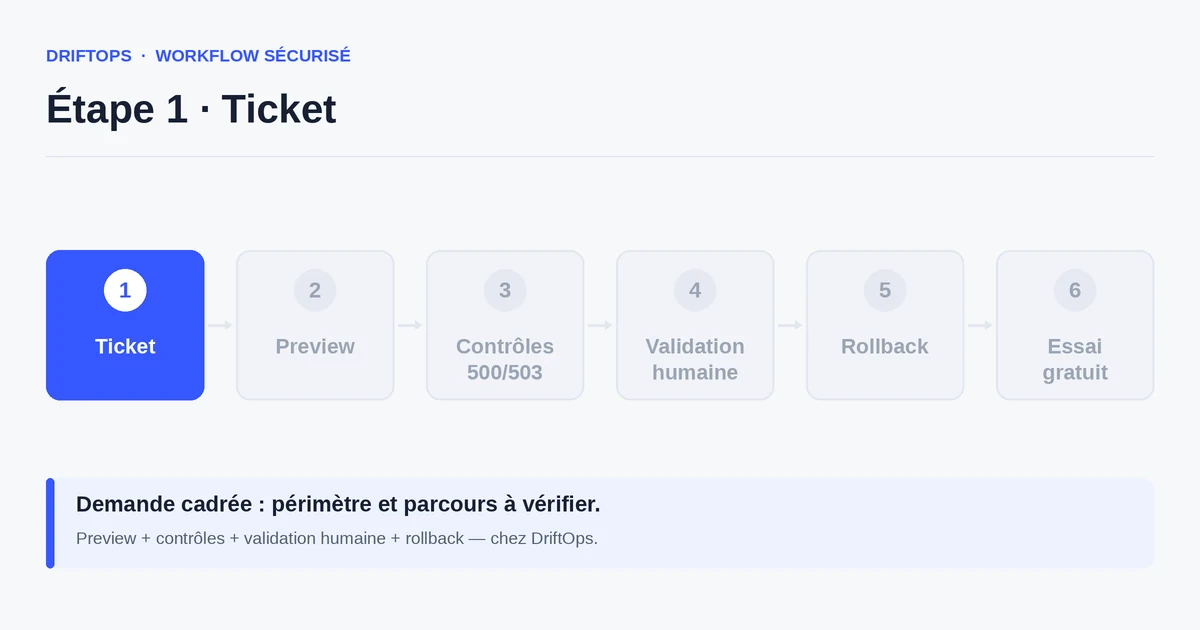
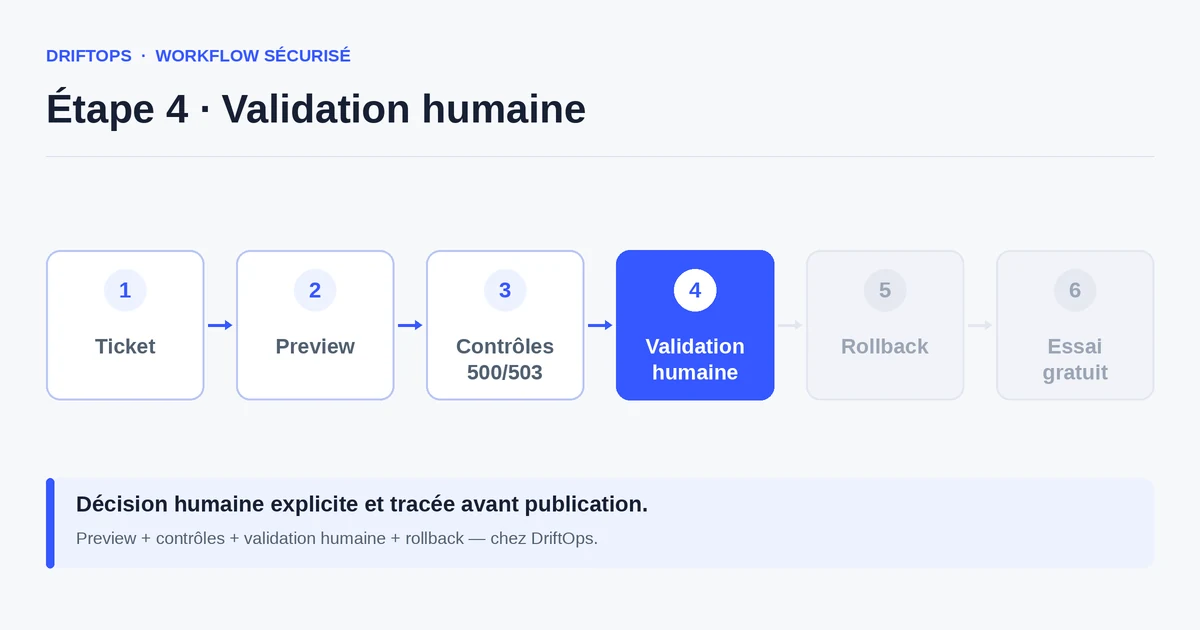
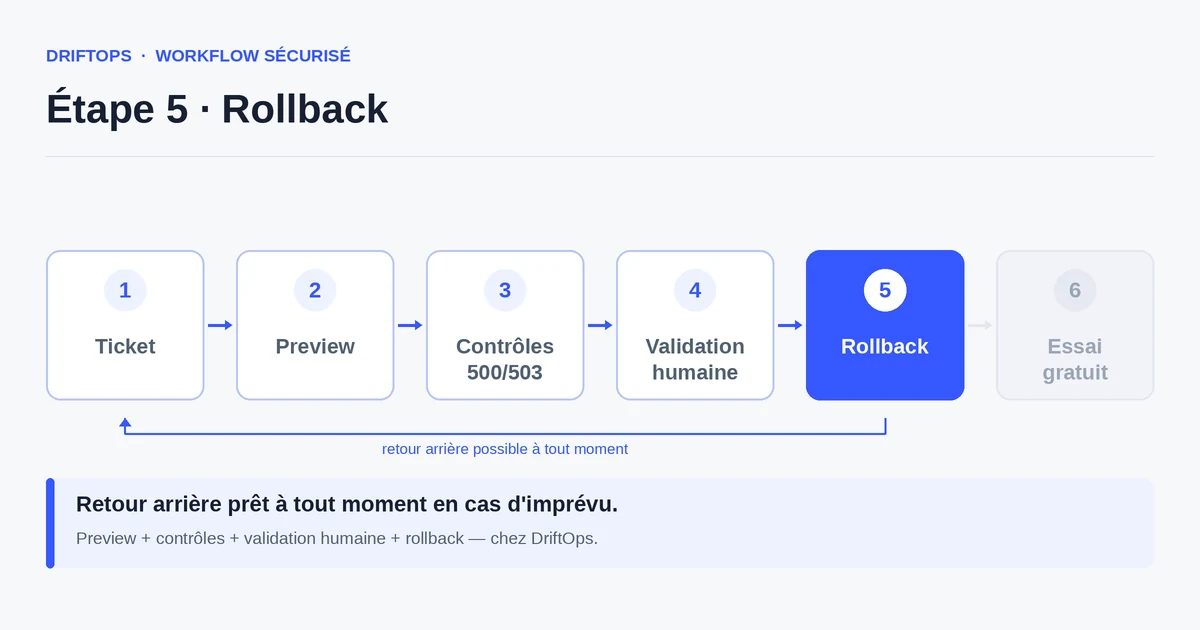
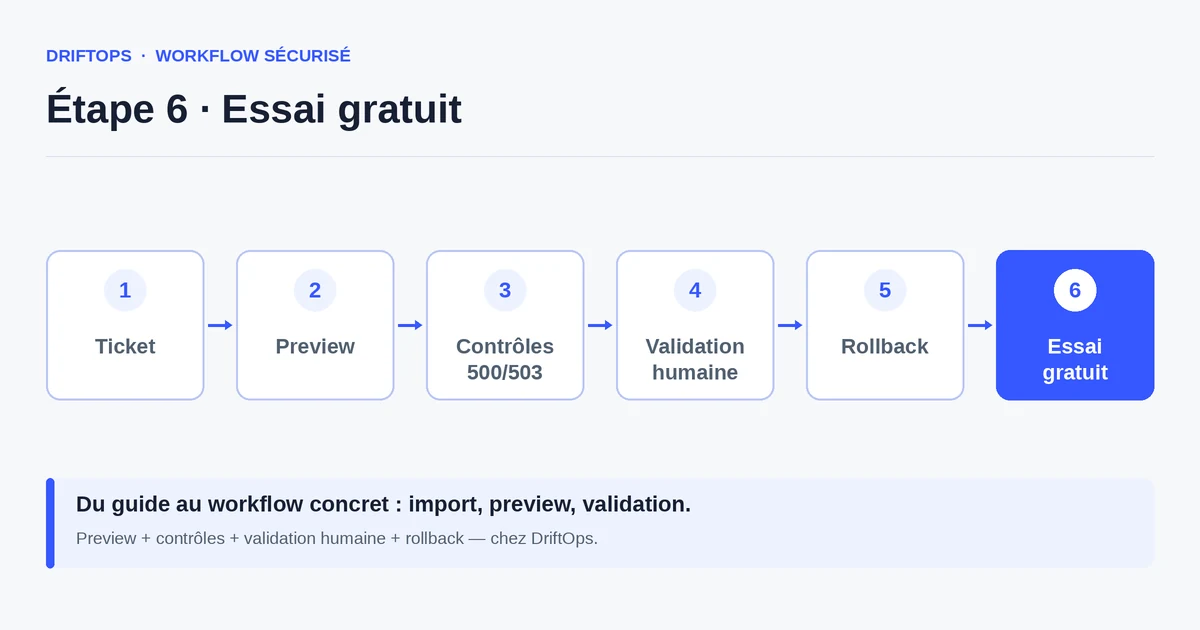
Keep a trace of every change: who did what, when, and who validated. DriftOps frames the intervention in a ticket and limits sensitive access, without slowing the fix.
Shared full access vs framed access
Sharing full access seems convenient: everyone can do everything, right away. But it mixes responsibilities and leaves production permanently exposed.
Framed access — limited, temporary, traced — requires a little organisation, quickly repaid: fewer mistakes, fewer risks, and a clear responsibility in case of an incident.
PrestaShop, WooCommerce and Magento compared
| Platform | Frequent risk | Recommended check |
|---|---|---|
| PrestaShop | Modules, overrides, hooks, translations and Smarty cache. | Test product pages, cart, checkout, back office and cache clearing. |
| WooCommerce | Plugins, WordPress options, webhooks, emails and scheduled actions. | Check cart, sandbox payment, coupons, stock and order emails. |
| Magento | Indexes, full-page cache, compilation, store views and modules. | Check catalogue, checkout, indexing, cache warm-up and rollback artefact. |
Giving developers access without weakening your store becomes more reliable when these differences are treated as explicit checks rather than server details.
Use case: a freelancer fixes a cart bug
A freelancer must fix a cart bug on a WooCommerce store. Rather than opening full production access to them, the agency provides a testable copy.
They develop and check their fix on that copy, without touching real orders or customer data. Production stays protected until validation.
Once the fix is approved, it is published with a clear trace of the intervention. The temporary access is then removed, with no forgotten door.
Access security checklist
A few rules frame access without slowing the work.
- Access limited to the strict minimum (least privilege).
- Temporary access, removed at the end of a mission.
- Work first on a copy, not in production.
- Customer data protected or anonymised outside production.
- A trace of every change and every validation.
- Regular review of active access.
- Production reserved for the validated version.
Measuring how well you control access
Keep the list of active access and their justification up to date. A regular review lowers the number of dormant accesses, the main security blind spot.
Also track incidents tied to a direct manipulation in production: their decrease confirms that working on a copy really protects the store.
Conclusion: securing protects both client and contractor
Framing access does not slow the work: it protects both the client's store and the contractor's responsibility. A limited, traced access avoids many disputes.
By working on a copy and keeping a trace, you fix quickly without exposing production. DriftOps helps you work cleanly before publishing.
Work on a copy rather than in production
Give developers a test environment and reserve production for the validated version.
Start a free trialSee pricingHow it worksFrequently asked questions
How do I give developers access without exposing production?
By applying least privilege, having them work on a copy first and reserving production for the validated version.
Why is store access a security topic?
A store contains personal data, orders and payment means, so the access that lets you modify it is a sensitive asset to protect.
What is the principle of least privilege?
Each person gets strictly the access needed for their task, and only for the duration of that task, instead of broad permanent access.
What is the risk of overly broad access?
Human error on production with no intermediate step, access that persists after a mission ends, and direct exposure of customer data with GDPR implications.
What about a contractor's access at the end of a mission?
Remove it immediately and keep a regular review of active access, since dormant accesses are the main security blind spot.
Does working on a copy slow fixes?
No. The developer keeps their work speed while real orders and customer data stay protected until validation.
Why keep a trace of every change and validation?
So you know who did what, when and who validated, which makes responsibilities clear and post-incident discussions objective.
How does DriftOps frame developer access?
It frames the intervention in a ticket and limits sensitive access, so developers work on a copy and production only receives the validated version.
Protect production and customer data
DriftOps frames the change in a ticket and keeps sensitive access better controlled.
Start a free trialSee pricingHow it works