
7 min read
How to avoid a 500 error visible to your customers
A 500 error makes a page disappear; a 503 error suggests the store is unavailable. For a customer, it is an immediate breakdown, with no technical nuance.
These errors break trust and can block the cart, the payment or the back office. The right moment to spot them is before publishing, not after.
This guide explains how to prevent 500 and 503 errors by testing the right signals on a copy before exposing the store to customers.
Block 500/503 errors before going live
Test the key pages on a preview, spot server errors and only publish a healthy version.
Start a free trialSee pricingHow it works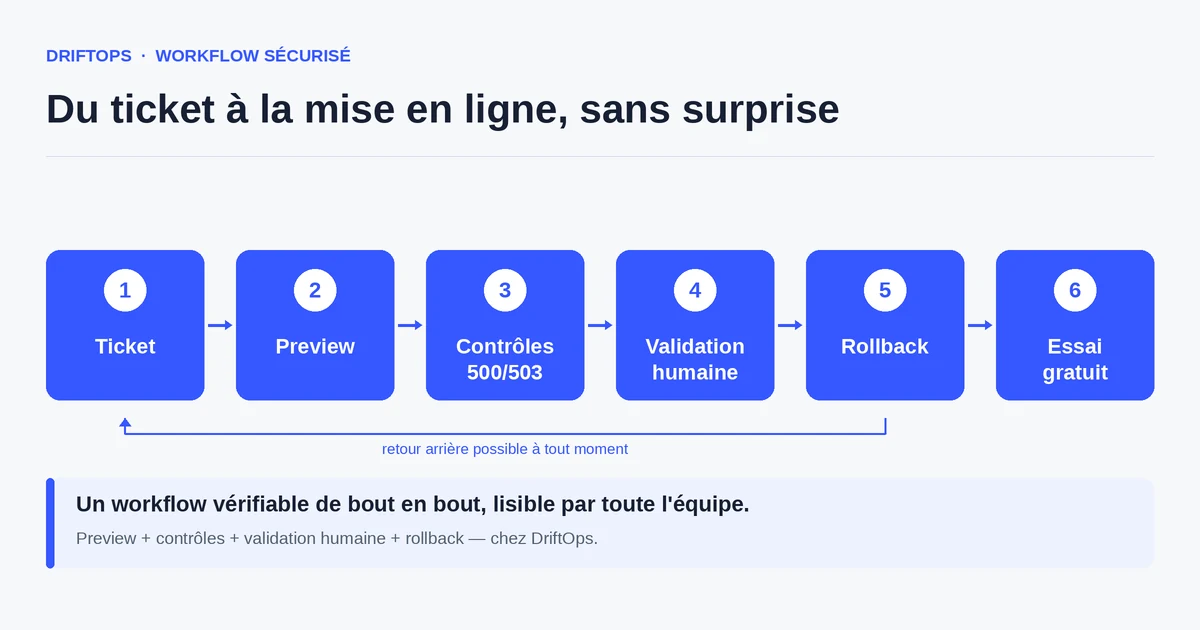
What 500 and 503 errors really mean
A 500 error indicates a server-side problem while processing the page: often an unhandled exception, an incompatible module or a missing dependency. The page does not display at all.
A 503 error signals that the service is temporarily unavailable: overloaded server, maintenance mode badly lifted, or saturated resource. The customer concludes the store is "down".
In both cases, the commercial impact is immediate: a visitor landing on an error page leaves the store, often without returning. These errors must therefore be treated as critical incidents.
The common causes of errors after publishing
The most common cause is a module or plugin incompatible with the version in place: a removed function, an absent dependency, and the page throws a 500 as soon as it is called.
The cache also plays a role: a cache not rebuilt after an update can serve inconsistent files and trigger errors. On Magento, an incomplete compilation has the same effect.
Finally, 503 errors often arise during publishing itself: maintenance mode left active, or an unanticipated load spike at the moment traffic returns to the store.
The method: test the key pages before publishing
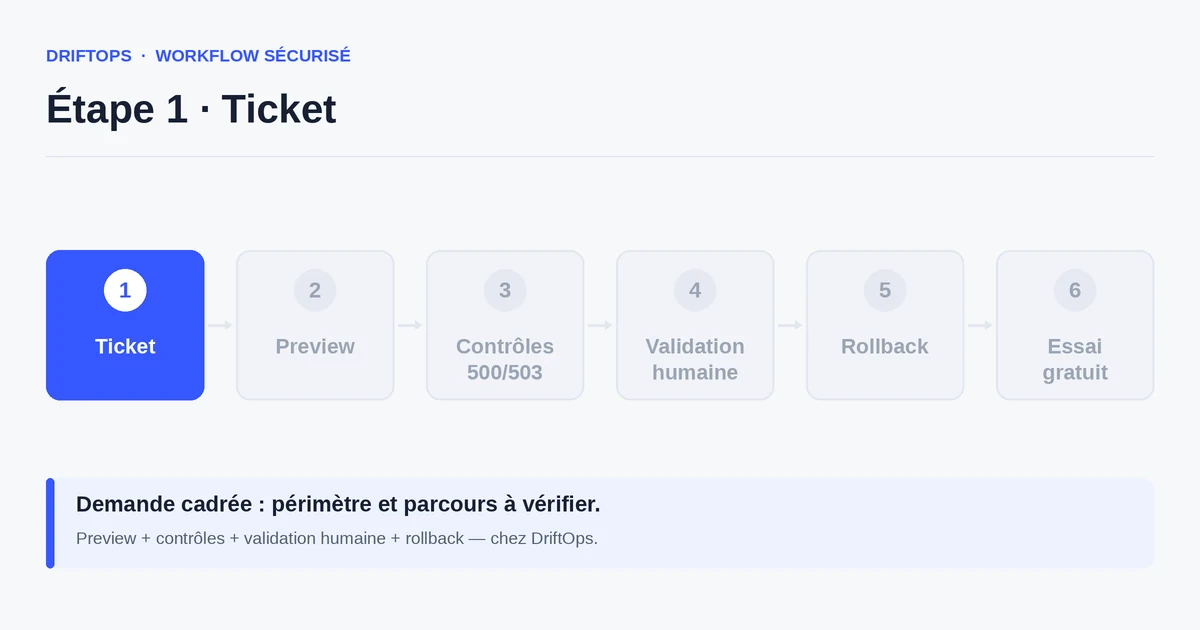
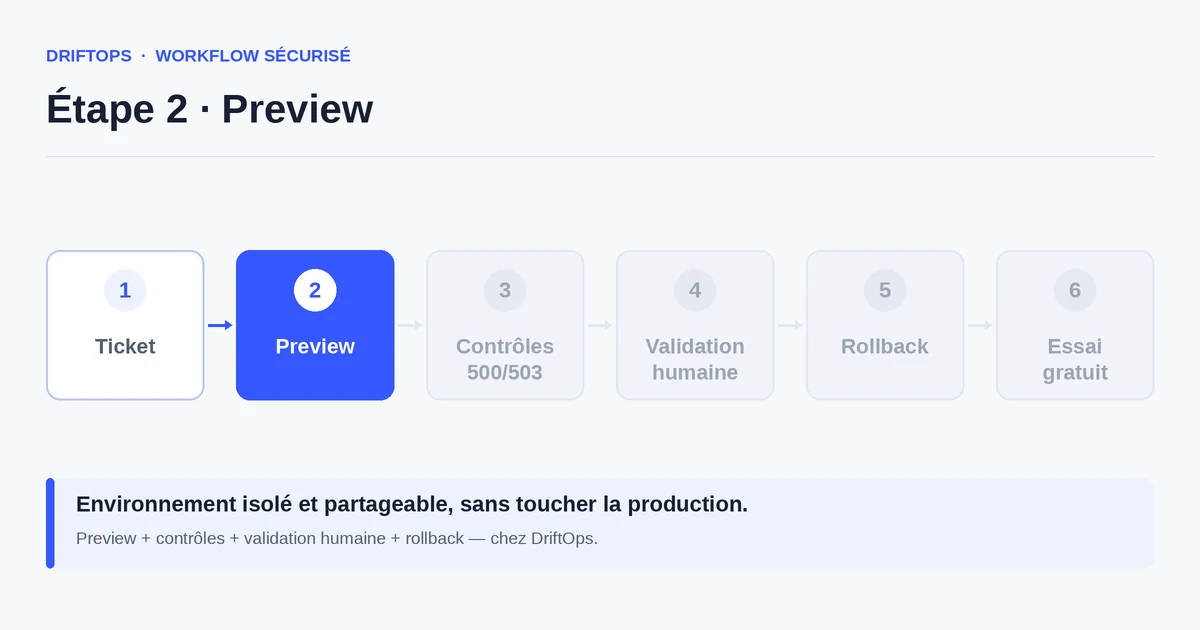
Before publishing, run the critical pages on a preview: home, product page, cart, checkout flow and back office. Check that each returns a 200 code, not an error.
Check first the modules touched by the change, as they cause most 500 errors. Rebuild the cache and, on Magento, verify the compilation before testing.
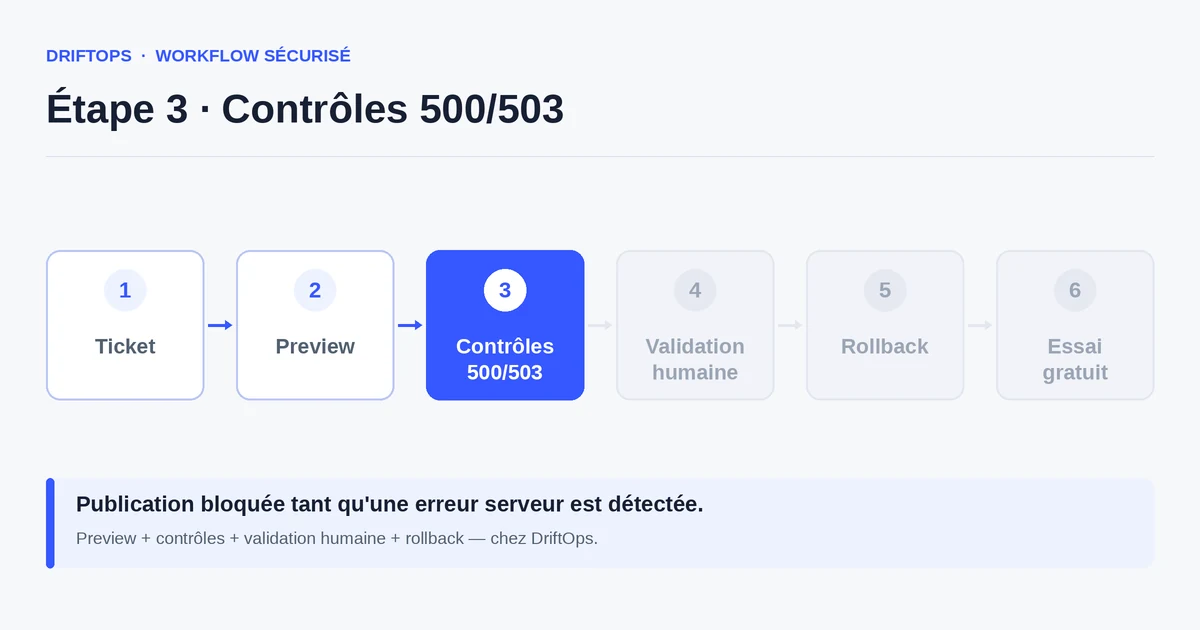
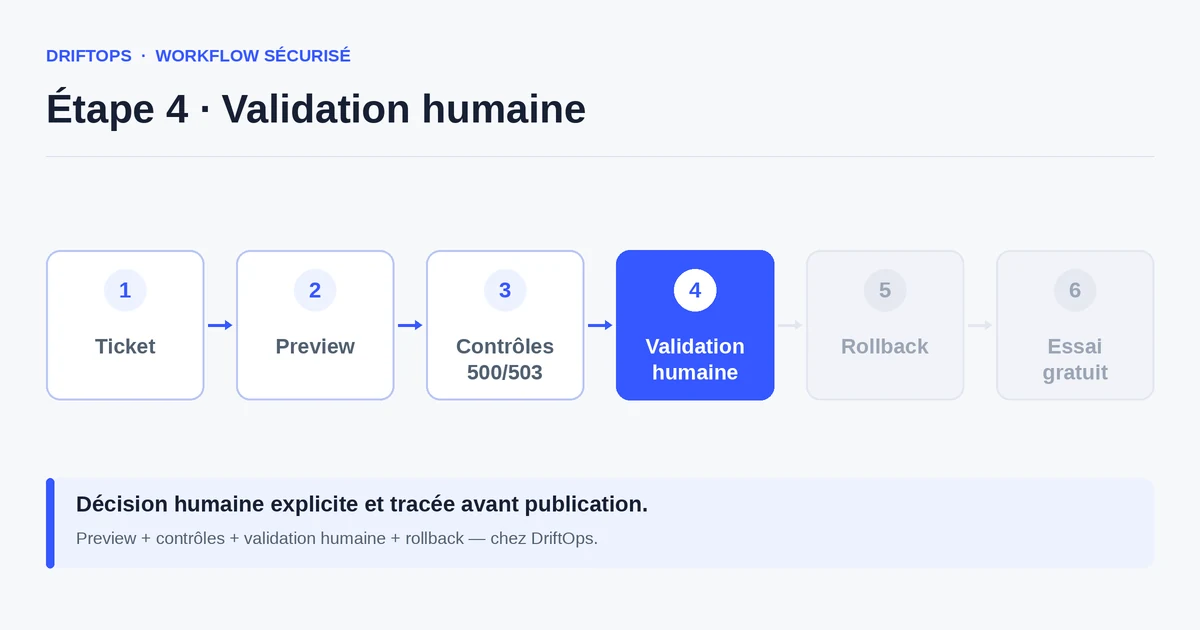
DriftOps automates this check: it spots 500 or 503 errors on the preview and blocks publishing as long as the status is not healthy. Production only receives a verified version.
Discovery in production vs detection in preview
Without a prior check, the 500 error is discovered in production, reported by a customer or by a traffic drop. The fix is then made in an emergency, under pressure.
With detection in preview, the error is caught before going live, on a copy. You fix calmly, revalidate, then publish a version you know responds correctly.
PrestaShop, WooCommerce and Magento compared
| Platform | Frequent risk | Recommended check |
|---|---|---|
| PrestaShop | Modules, overrides, hooks, translations and Smarty cache. | Test product pages, cart, checkout, back office and cache clearing. |
| WooCommerce | Plugins, WordPress options, webhooks, emails and scheduled actions. | Check cart, sandbox payment, coupons, stock and order emails. |
| Magento | Indexes, full-page cache, compilation, store views and modules. | Check catalogue, checkout, indexing, cache warm-up and rollback artefact. |
How to avoid a 500 error visible to your customers becomes more reliable when these differences are treated as explicit checks rather than server details.
Use case: a module calling a removed function
A PrestaShop module is updated, but it calls a function removed in the core version in place. On the preview, the product page returns a 500 error.
Because the check happens before publishing, the live store stays open while the team fixes the module's compatibility on the copy.
Once the product page is back to a 200 code and the path verified, the change is published without any customer ever seeing a broken page.
Anti-500/503 checklist before publishing
Check these points before every go-live.
- Home, product page, cart and checkout return a 200 code.
- Back office accessible without error.
- Touched modules tested and compatible with the version in place.
- Cache rebuilt (and compilation verified on Magento).
- Maintenance mode properly lifted after publishing.
- Load anticipated to avoid a 503 when traffic returns.
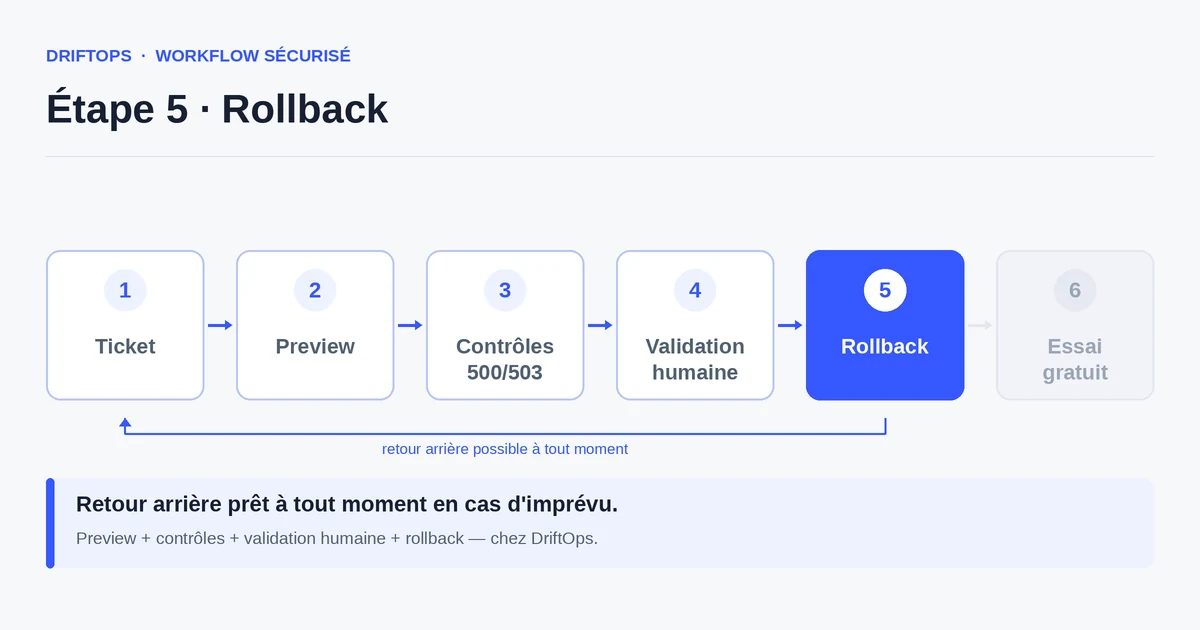
- Rollback ready if an error appears anyway.
Measuring the prevention of server errors
Watch the 500 and 503 error rate on critical pages after each release. The goal is to keep it at zero on the customer side.
Also count the errors caught in preview: each one is a broken page your visitors never saw.
Conclusion: a server error is seen before customers
500 and 503 errors are among the most damaging for a store, because they cut the purchase path dead. They are also among the most avoidable.
By testing the key pages and HTTP codes on a preview, and keeping a rollback ready, you avoid a public and costly outage. DriftOps protects this validation moment.
Check HTTP codes before publishing
Check the critical pages and touched modules on a copy to catch 500/503 in time.
Start a free trialSee pricingHow it worksFrequently asked questions
What is the difference between a 500 and a 503 error?
The 500 signals a server-side processing problem (the page does not display at all); the 503 indicates a temporarily unavailable service from overload or maintenance.
What commonly causes a 500 after publishing?
Most often a module or plugin incompatible with the version in place — a removed function or absent dependency — or a cache not rebuilt after an update.
When do 503 errors typically occur?
Often during publishing itself: maintenance mode left active, or an unanticipated load spike at the moment traffic returns to the store.
How do I avoid a 500 error after an update?
Test the key pages and touched modules on a preview, rebuild the cache (and verify compilation on Magento), and only publish a version that returns 200 codes.
Which pages should I check return a 200 code?
Home, product page, cart, checkout flow and back office, since these critical pages must respond correctly before going live.
How do I avoid a 503 error during publishing?
Lift the maintenance mode properly after publishing and anticipate the load when traffic returns to the store.
How does DriftOps stop a broken page reaching customers?
It spots 500 or 503 errors on the preview and blocks publishing as long as the status is not healthy, so production only receives a verified version.
How do I measure that I prevent server errors?
Watch the 500/503 error rate on critical pages after each release (the goal is zero on the customer side) and count the errors caught in preview.
Protect your customers from broken pages
DriftOps spots 500 or 503 errors on the preview and makes publishing wait for a healthy version.
Start a free trialSee pricingHow it works