
8 min read
Why a code history alone does not protect your PrestaShop store
Git faithfully records every change to your PrestaShop files. That is essential, but it is only part of what a live store really is.
A PrestaShop store does not live in its code alone: it also lives in its database, its modules, its theme, its overrides and its cache. A clean history does not guarantee a successful order.
This guide explains why versioning alone leaves blind spots, and how to add a concrete validation step before publishing without giving up Git.
Turn your Git history into a verified release
Connect your repository to a testable preview, check cart and payment, then publish after a human validation.
Start a free trialSee pricingHow it works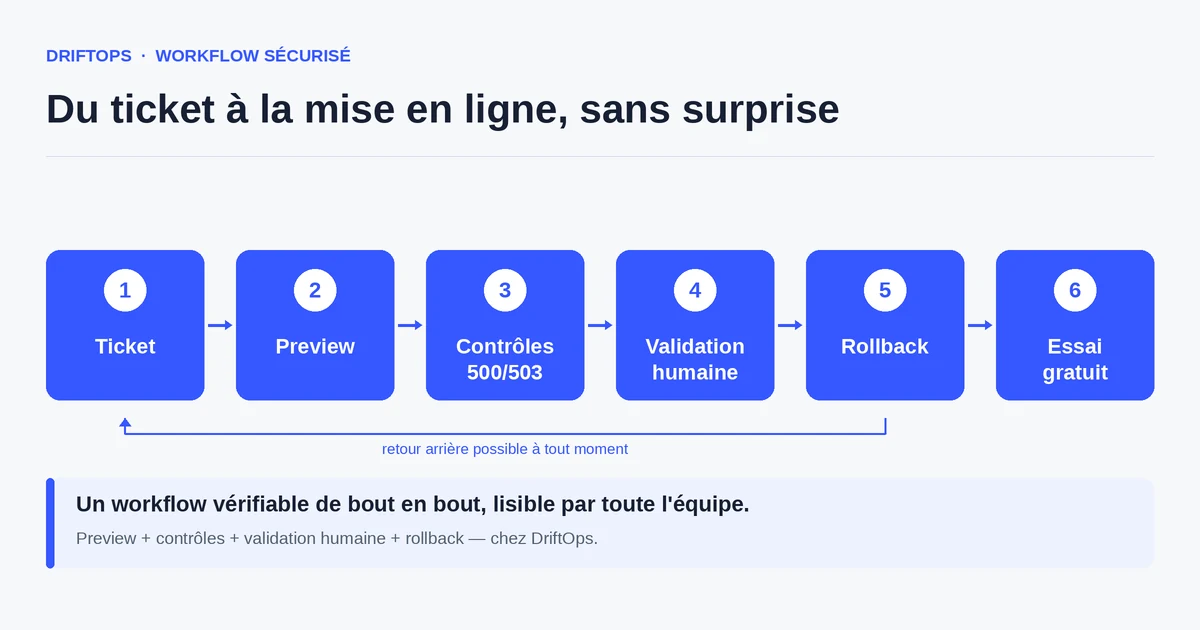
What Git sees, and what it does not
Git tracks file contents: theme, custom modules, overridden classes, exported translations. When a team talks about "clean code", they usually mean this space, and a well-kept repository covers it properly.
But a PrestaShop store also relies on things Git does not record: settings stored in the database (ps_configuration), the state of installed modules, cart rules, carriers, taxes, product images and the Smarty cache. Two environments can share the exact same code yet behave differently because their databases differ.
This invisible zone causes most incidents: a module enabled locally but not in production, a missing environment variable, a cache not cleared after an update. The commit is perfect, the store breaks anyway.
The risks of a Git-only deployment
The first risk is believing that a successful merge equals a working store. A pipeline can show a green light while the checkout returns an error, because automated tests do not reproduce the real purchase path with the production modules.
The second risk concerns the database and overrides. A template override written two years ago can clash with a module update without any versioned file signalling the problem. The regression only appears when a customer adds a product to the cart.
The third risk is human: without a visible validation step, the person pushing the code and the one deciding to publish are often the same, under pressure, with no distance. The technical trace exists, but the business proof — "payment works" — is missing.
The method: keep Git, add business validation
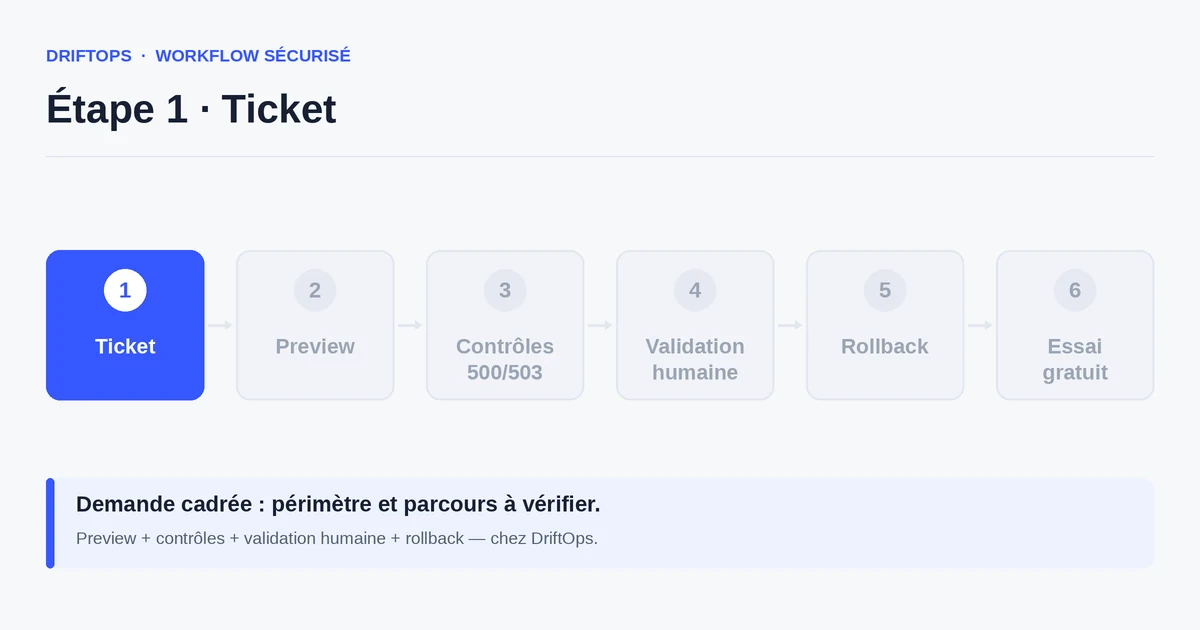
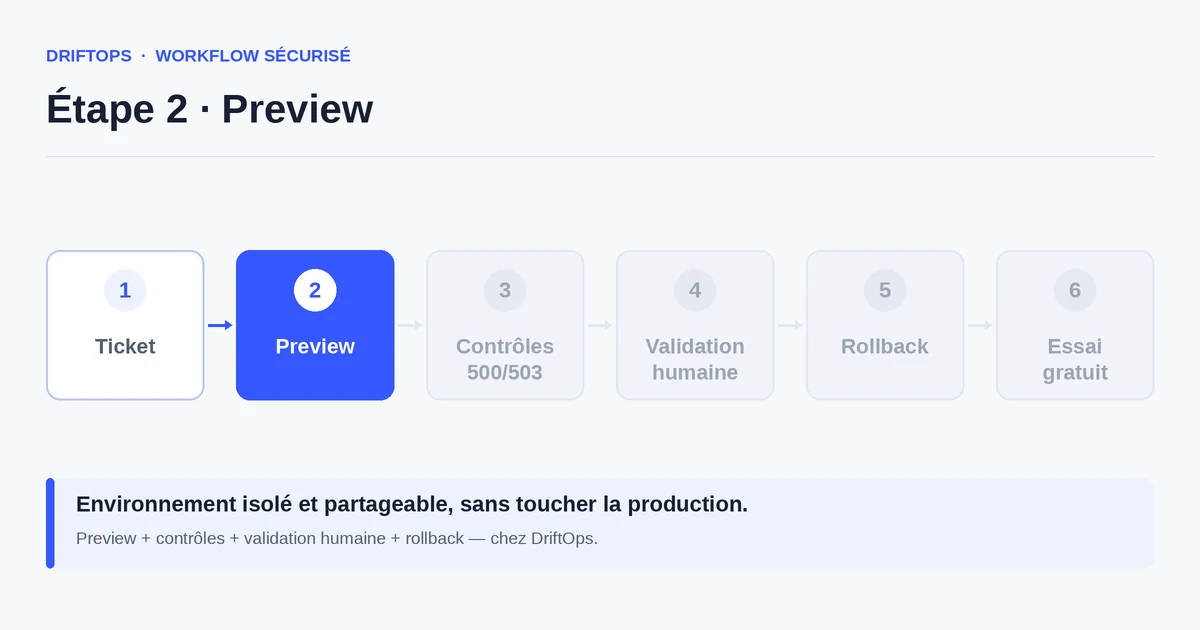
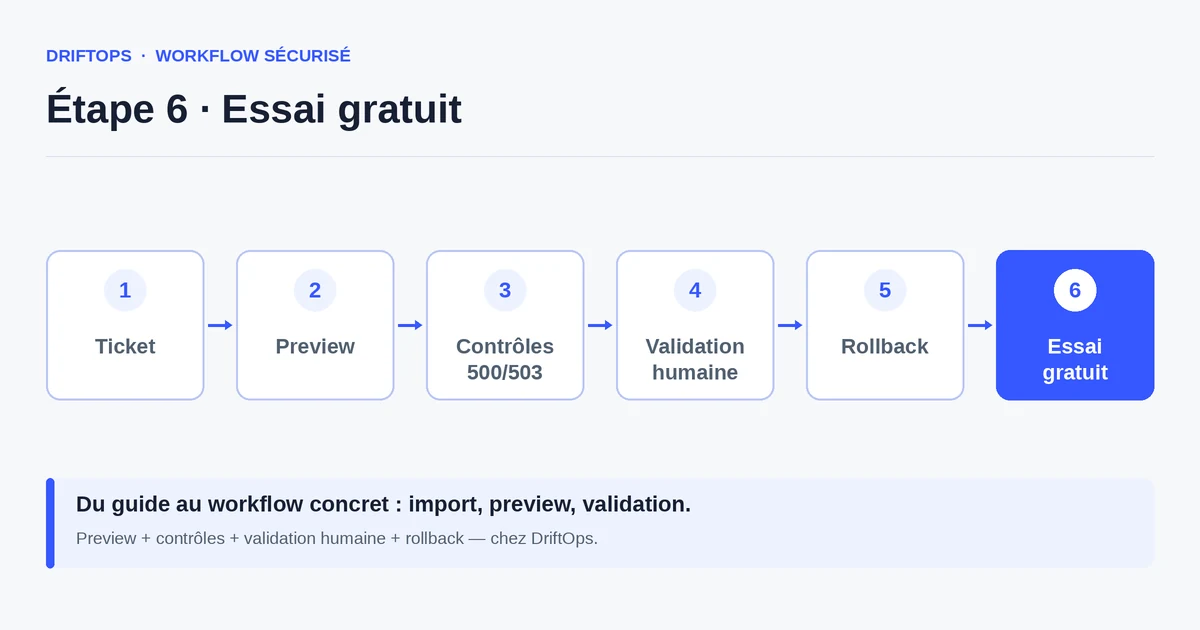
The idea is not to replace Git but to complement it. You keep the repository as the source of truth for code, and you add a preview built from that code, with a representative copy of the production database and modules.
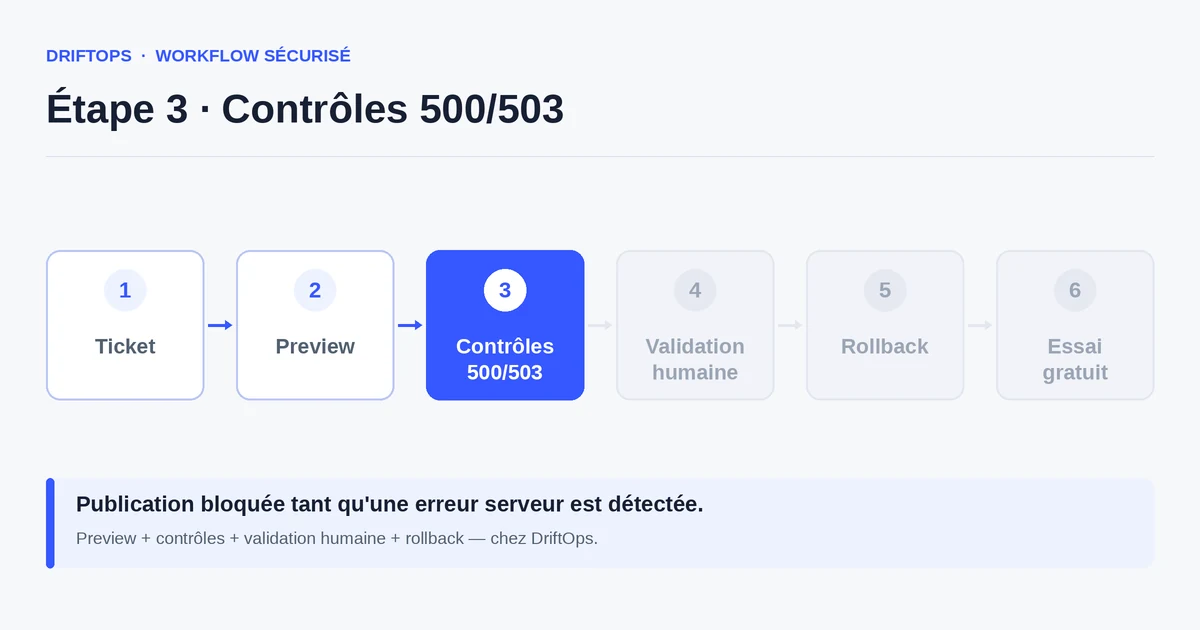
On that preview, you verify what Git cannot guarantee: the product page renders, the cart accepts an item, a carrier appears, the test payment goes through, the confirmation email is sent. These checks turn a commit into usable proof.
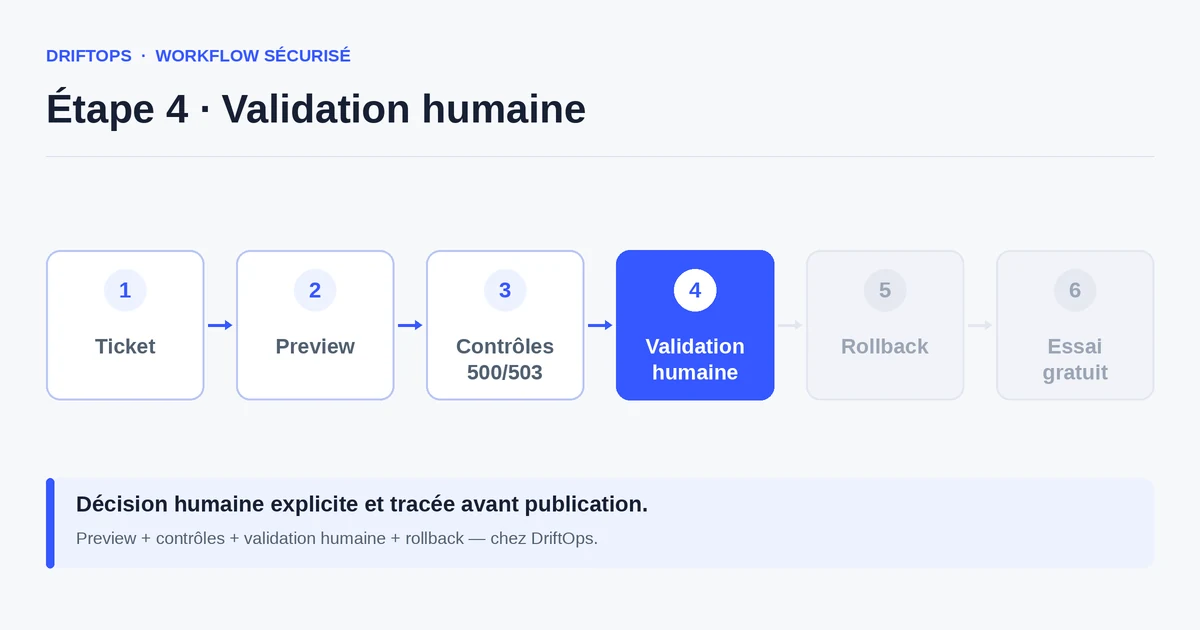
Publishing only happens afterwards, after an explicit human validation. DriftOps links these steps — repository, preview, checks, decision — so a PrestaShop change stays traceable end to end, without requiring server manipulation.
Versioning alone vs versioning plus a validated preview
The classic method stops at deploying the code: you push, sync the files, maybe clear the cache, and hope the database follows. It works for a small isolated fix but exposes production as soon as a module or setting comes into play.
The approach completed by a validated preview moves verification before release. The code stays versioned, but the store is observed in conditions close to reality before being exposed to customers.
PrestaShop, WooCommerce and Magento compared
| Platform | Frequent risk | Recommended check |
|---|---|---|
| PrestaShop | Modules, overrides, hooks, translations and Smarty cache. | Test product pages, cart, checkout, back office and cache clearing. |
| WooCommerce | Plugins, WordPress options, webhooks, emails and scheduled actions. | Check cart, sandbox payment, coupons, stock and order emails. |
| Magento | Indexes, full-page cache, compilation, store views and modules. | Check catalogue, checkout, indexing, cache warm-up and rollback artefact. |
Why a code history alone does not protect your PrestaShop store becomes more reliable when these differences are treated as explicit checks rather than server details.
A concrete case in a PrestaShop agency
An agency fixes a shipping module for a client. The diff is minimal, the code passes review, the commit is clean. On the preview built from that commit, the carrier nonetheless disappears from the cart for multi-parcel orders.
The problem was not in the code but in a carrier rule configured in the database, absent from the initial test environment. Without a preview fed by a realistic copy, the incident would have surfaced in production on a busy order day.
With visible validation, the agency spots the regression, adjusts the configuration, revalidates, then publishes. The client receives proof — a working preview link — instead of a promise.
Checklist: what Git does not cover and you must verify
Before every PrestaShop release, complete the code review with a check of the real store.
- Product page: display, combinations, correct prices and stock.
- Cart: add to cart, quantity updates, available carriers.
- Checkout flow: address, shipping, test payment, confirmation.
- Emails: order confirmation and notifications are sent.
- Modules: those touched by the change are active and configured.
- Smarty cache and assets: cleared or rebuilt after the update.
- Back office: accessible, no error on key pages.
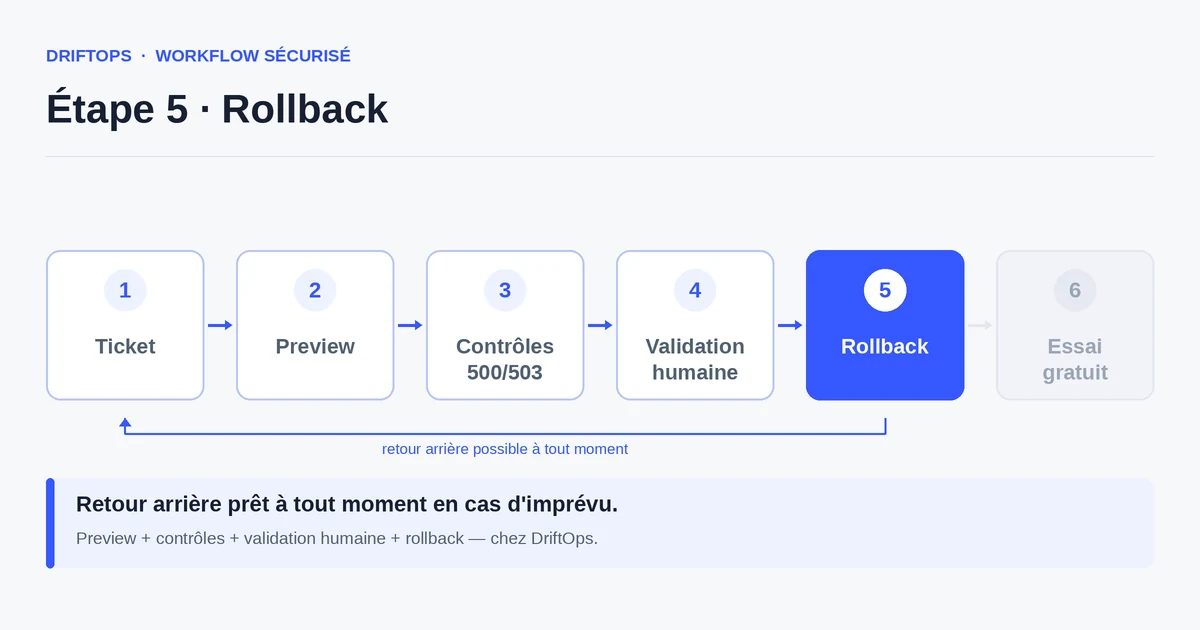
- Rollback: a known-good version identified before publishing.
Measuring that the workflow becomes more reliable
The right indicator is not the number of commits, but the number of incidents avoided before production. Track how many regressions are caught in preview rather than in the live store: this ratio should invert over time.
Also watch the time between a change request and a calm release, and the frequency of emergency fixes. When the team knows what to test and who validates, both numbers fall noticeably.
Conclusion: Git for the history, the preview for the proof
Git remains irreplaceable for tracking, reviewing and reverting code changes. But a PrestaShop store is judged on its ability to sell, not on the cleanliness of its history.
By adding a validated preview and a human decision before publishing, you cover the zone Git cannot see: the database, the modules, the cache and the purchase path. DriftOps links these steps without turning your team into a DevOps team.
Test your next PrestaShop fix before production
Build an isolated preview from your versioned code and verify the checkout flow before touching the live store.
Start a free trialSee pricingHow it worksFrequently asked questions
Is Git enough to deploy PrestaShop?
No. Git versions the code, but not the ps_configuration database, the installed modules or the Smarty cache. A validated preview closes that gap.
What does Git not track in a PrestaShop store?
It does not record settings stored in the database, the state of installed modules, cart rules, carriers, taxes, product images or the Smarty cache.
Why can two environments with identical code behave differently?
Because their databases differ: a module enabled locally but not in production, a missing carrier rule or a stale cache changes the behaviour despite the same commit.
Why test the cart if the code review passed?
Because a cart regression often comes from a module or a database setting that is invisible in the code diff, such as a carrier rule absent from the test environment.
Do I have to drop Git to use DriftOps?
No. DriftOps builds on your repository and adds a preview, 500/503 checks and a traced human validation before going live.
What should the preview be fed with to be reliable?
A representative copy of the production database and modules, so the product page, cart, carriers, test payment and confirmation email can be verified as in reality.
How do I measure that adding a preview helps?
Track how many regressions are caught in preview rather than in the live store; with DriftOps this ratio should invert over time.
What does the client receive instead of a promise?
A working preview link that proves the change behaves correctly, rather than a verbal assurance that the fix is fine.
Add proof before every PrestaShop release
Keep Git for history and DriftOps for visible validation: preview, 500/503 checks and a traceable human decision.
Start a free trialSee pricingHow it works