
6 min read
Updating WooCommerce without stopping orders
WooCommerce often relies on a stack of plugins that interact with each other. A seemingly harmless update can affect the cart, the stock or the payment without warning.
The classic trap: the bug only appears at checkout, when a visitor actually tries to pay. The home page looks fine, but the till is broken.
This guide shows how to update WooCommerce while protecting the conversion funnel, with a realistic test and a rollback ready.
Update WooCommerce without breaking the till
Test a full purchase on a preview, check payment and emails, then publish with a rollback ready.
Start a free trialSee pricingHow it works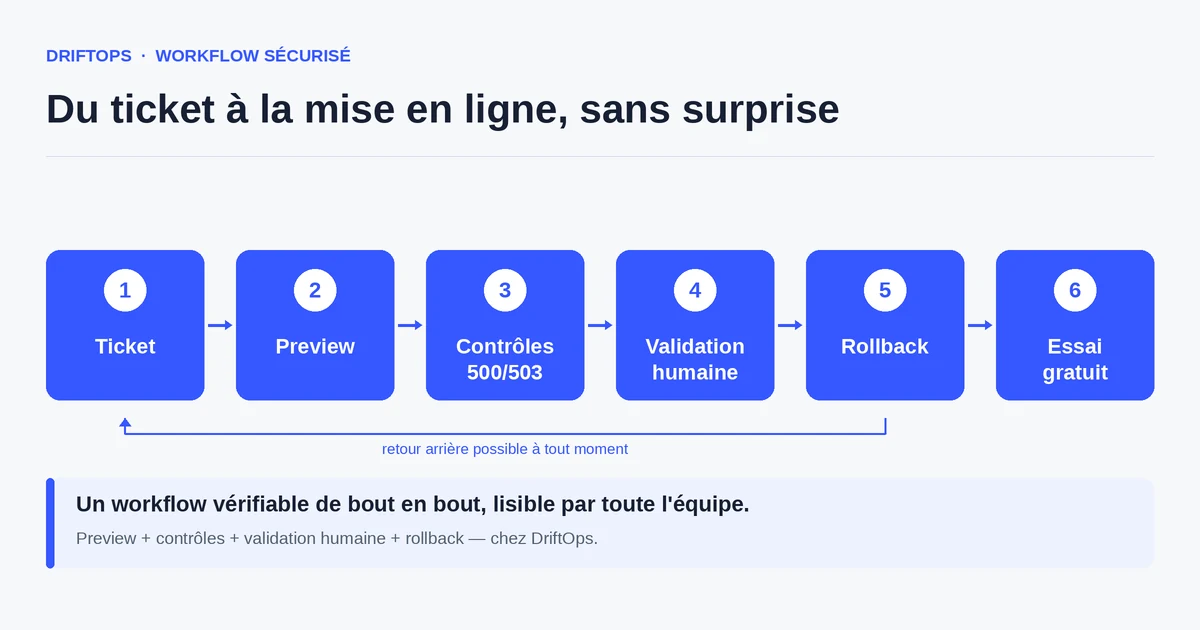
Why WooCommerce is sensitive to updates
WooCommerce is an extension of WordPress, enriched by other plugins: payment, shipping, loyalty, marketing. Each plugin has its own update cycle, and their interactions are not always tested together by their authors.
An update to WordPress, WooCommerce or a plugin can therefore change a behaviour in an unexpected place: a hook that changes, a deprecated function, a reset option. The code "works", but the purchase path drifts.
On top of that come the dynamic elements: stock, coupons, taxes, shipping costs, transactional emails. These are precisely the links that make an order go through, and therefore the ones to check first.
The risks of an untested update
The most direct risk is a silent interruption of sales: the "Pay" button disappears under a promotional block on mobile, or the payment gateway returns an error. Visitors leave without reporting the problem.
Another risk concerns emails: an update can break the sending of order confirmations. Payments go through, but the customer receives nothing and the support desk is flooded with follow-ups.
Finally, coupons and pricing rules are fragile. A promotion that shows on the product page but does not apply in the cart creates frustration and disputes in the middle of a campaign.
The method: test a real purchase before publishing
The golden rule is to test WooCommerce like a customer, not like a developer. On a preview, you add a product, apply a coupon, choose a shipping method, run a payment in test mode and check the confirmation email.
This full path, done on desktop and mobile, catches most update regressions. You also need to check the stock and the scheduled actions (cron) that handle orders and notifications.
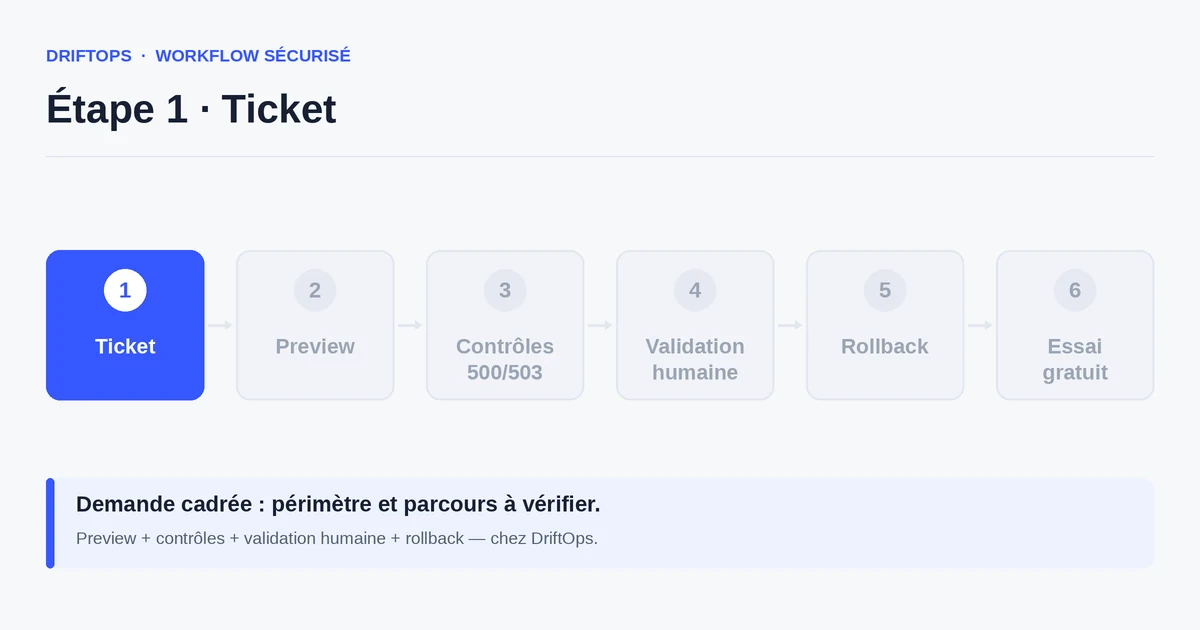
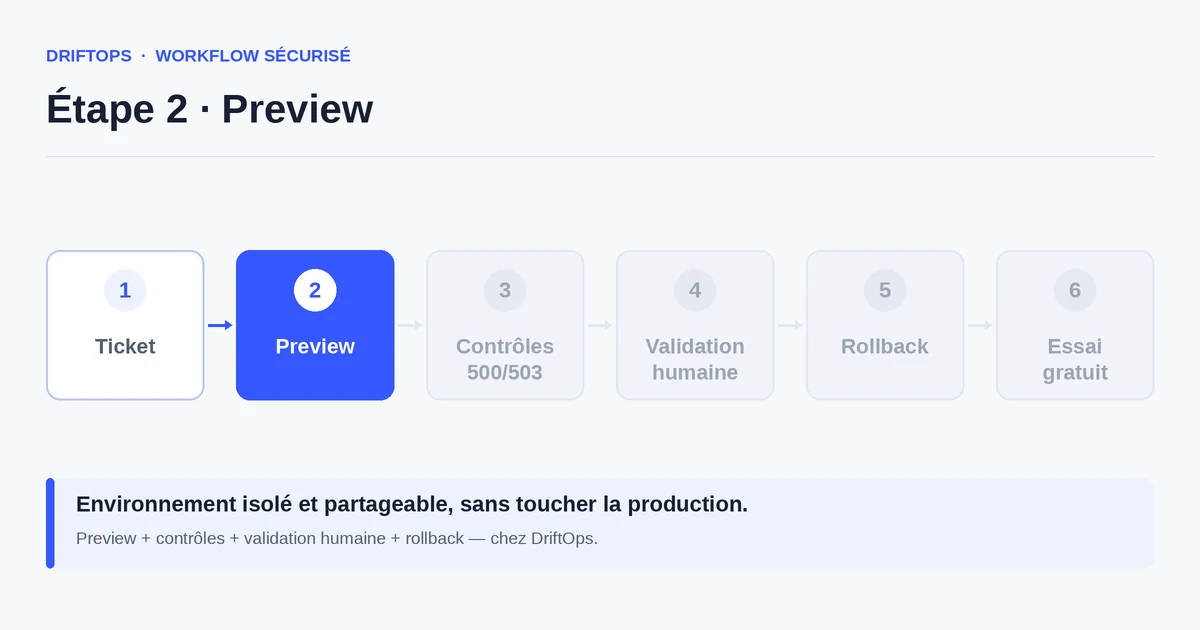
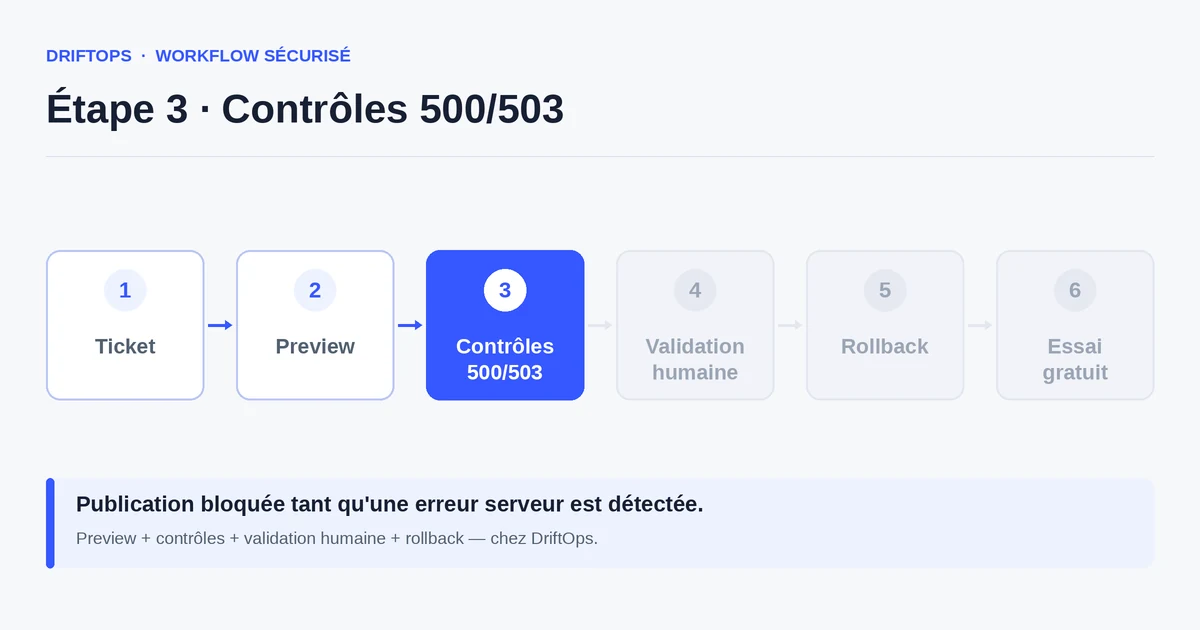
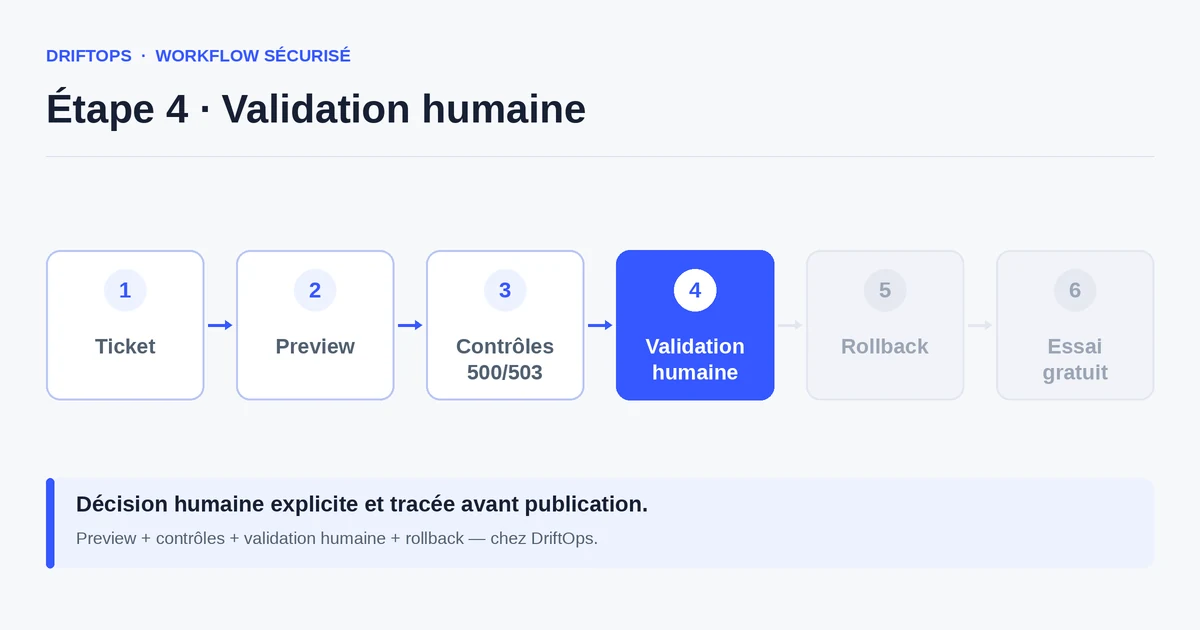
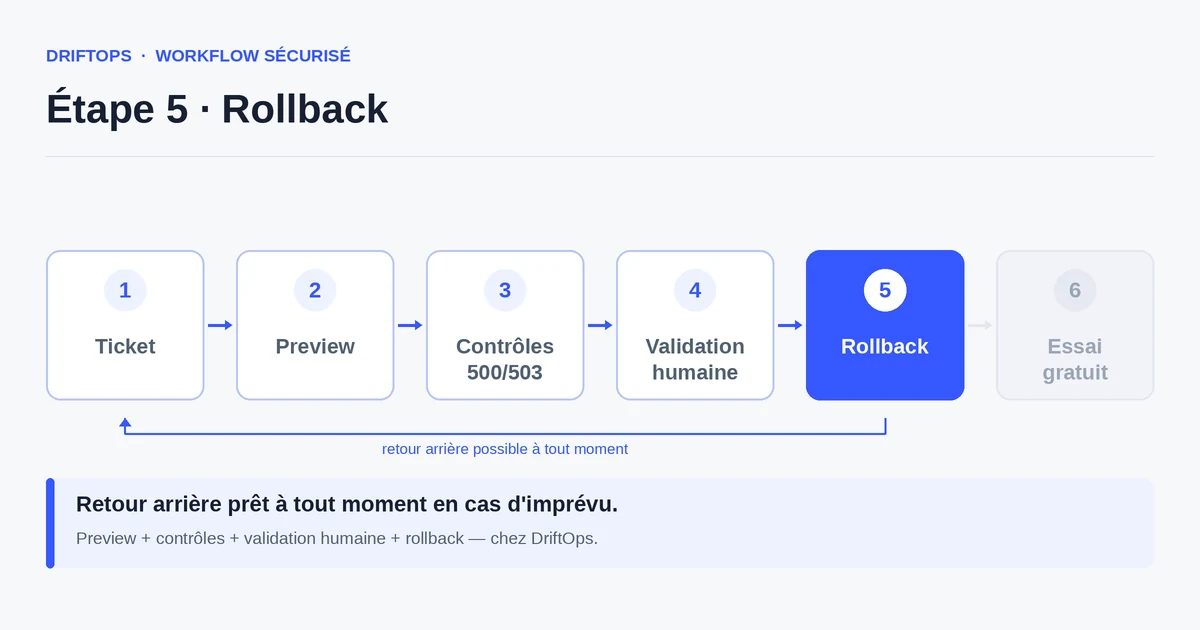
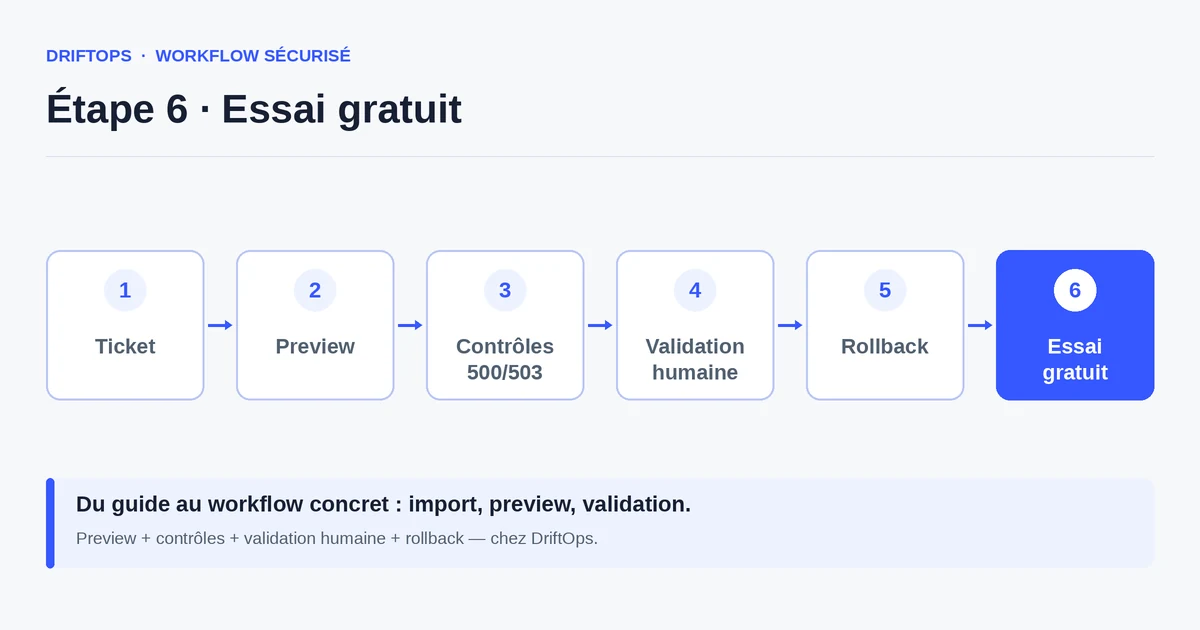
DriftOps provides this testable version to the whole team and keeps a rollback point ready. Production only changes after validation, which protects the till during the operation.
Direct update vs tested preview
Updating directly from the WordPress admin is tempting: one click and it is done. But that click applies to production, and a plugin conflict is then discovered live, in front of customers.
A tested preview adds a short step: you apply the update on a copy, verify the purchase, then publish. The time saved by the direct click is largely lost at the first payment incident.
PrestaShop, WooCommerce and Magento compared
| Platform | Frequent risk | Recommended check |
|---|---|---|
| PrestaShop | Modules, overrides, hooks, translations and Smarty cache. | Test product pages, cart, checkout, back office and cache clearing. |
| WooCommerce | Plugins, WordPress options, webhooks, emails and scheduled actions. | Check cart, sandbox payment, coupons, stock and order emails. |
| Magento | Indexes, full-page cache, compilation, store views and modules. | Check catalogue, checkout, indexing, cache warm-up and rollback artefact. |
Updating WooCommerce without stopping orders becomes more reliable when these differences are treated as explicit checks rather than server details.
Use case: switching payment gateways before a sale
An e-commerce manager replaces their payment plugin a few days before the sales. Everything looks fine on desktop in the admin.
On the preview tested in customer conditions, the payment button slips under a promotional banner on mobile: half the traffic can no longer pay easily. The flaw is fixed before going live.
The new gateway is published once the mobile path is validated, with no loss of orders during the most profitable period of the year.
Checklist before a WooCommerce update
Before publishing an update, run a full purchase on the copy.
- Add to cart and update quantities.
- Apply a coupon and check the final price.
- Choose a shipping method and compute shipping costs.
- Pay in test mode through to the confirmation.
- Receive the order confirmation email.
- Path verified on mobile as much as on desktop.
- Stock and scheduled actions (cron) working.
- Rollback point identified before publishing.
Measuring the safety of your updates
Track the number of updates published without an order incident, and the number of regressions caught in preview. The goal is to never discover a payment bug in production again.
Also watch the mobile conversion rate after each update: a sudden drop often signals a problem in the funnel that should have been seen earlier.
Conclusion: the till must never serve as a test
WooCommerce concentrates value in its conversion funnel. A successful update is one that leaves that funnel intact, verified like a real order.
By testing a full purchase on a preview and keeping a rollback ready, you update without interrupting sales. DriftOps makes this verification simple and shared.
Test your next plugin update
Check cart, coupon, shipping, payment and email on a copy before exposing the store to customers.
Start a free trialSee pricingHow it worksFrequently asked questions
Why is WooCommerce sensitive to updates?
Because it is an extension of WordPress enriched by many plugins (payment, shipping, loyalty, marketing) with separate update cycles whose interactions are not always tested together.
What should I test first on WooCommerce?
The full funnel like a customer: cart, coupon, shipping, test payment and confirmation email, on mobile as well as desktop.
Can a plugin update break the payment?
Yes. Conflicts between plugins often appear at payment time, so you should run a real purchase on a preview before publishing.
Why test on mobile specifically?
Because a promotional block can push the pay button under the fold on mobile, and roughly half of traffic can then no longer pay easily.
Can an update break order confirmation emails?
Yes. An update can stop the sending of confirmations, so payments go through but customers receive nothing; always check the email on the preview.
Why check stock and scheduled actions (cron)?
Because cron handles orders and notifications; a broken scheduled action can disrupt stock and emails even when the purchase looks fine.
How do I avoid interrupting sales during an update?
Test the full purchase on a copy, keep a rollback point ready and only publish the validated version, so the till stays open during the operation.
How do I know an update degraded the funnel?
Watch the mobile conversion rate after each release; a sudden drop often signals a funnel problem that should have been caught in preview.
Protect your revenue during updates
DriftOps gives a testable version to the whole team and keeps production stable until validation.
Start a free trialSee pricingHow it works