
6 min read
Publishing a Magento update without commercial stress
Magento is powerful, but reacts strongly to changes: caches, indexes, compilation and store views form a sensitive whole. A poorly prepared update is quickly felt on the sales side.
Stress arrives when the live store becomes the first real test. A slow product page or a blocked cart during a commercial period is expensive.
This guide explains how to publish a Magento update methodically, checking the right signals before exposing the store to customers.
Publish Magento with a clear plan
Check catalogue, checkout, index and cache on a preview, then publish after a human validation.
Start a free trialSee pricingHow it works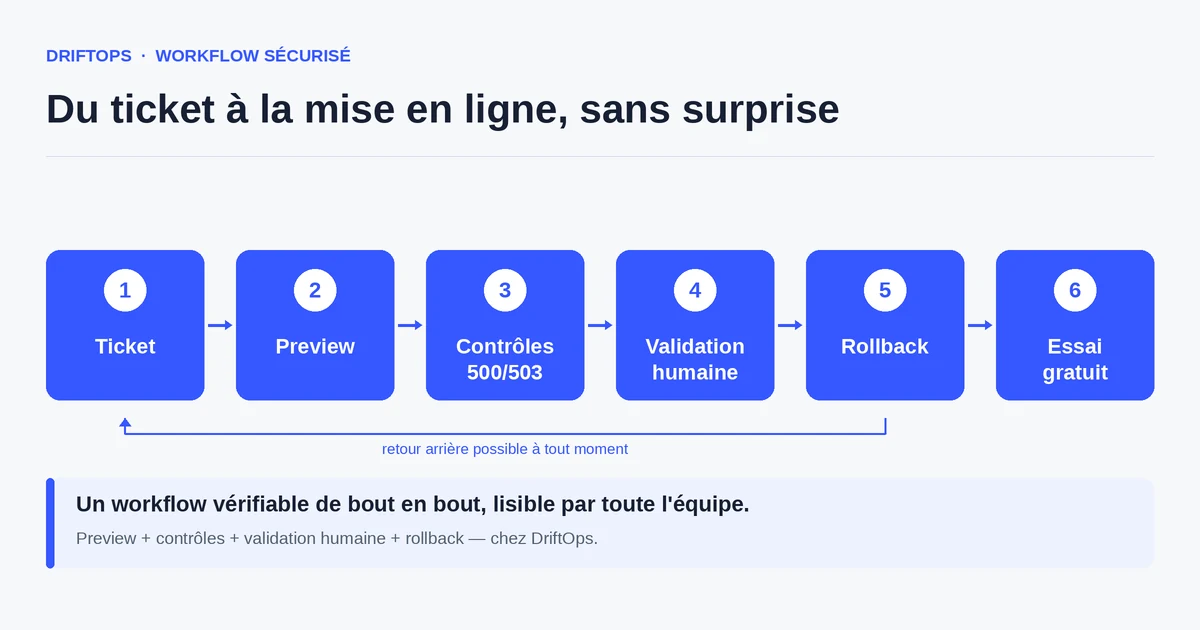
Why Magento demands particular attention
Magento separates code from data and relies on several technical layers: catalogue indexing, full-page cache, code compilation, multiple store views. Each can influence what the customer sees.
An update that does not reindex correctly can display wrong prices or stock. A poorly warmed cache slows the first visits after publishing, right when the traffic arrives.
These are rarely visible code errors: they are environment effects. Hence the importance of checking the store in conditions close to reality before touching production.
The risks of an improvised Magento release
The first risk is the slow or empty page: an unregenerated index or a cold cache gives the impression of a breakdown, even if the store "works" technically.
The second risk hits the checkout. A poorly recompiled payment or shipping module can block the final step, the one that turns a visitor into a customer.
The third risk is timing. An unprepared release during the sales or Black Friday amplifies the slightest flaw: the volume of sales turns a small bug into a significant loss.
The method: check the sensitive layers before production
Start by applying the update on a copy, then run the Magento operations in the right order: compilation, reindexing, cache warm-up. These steps must succeed before any functional test.
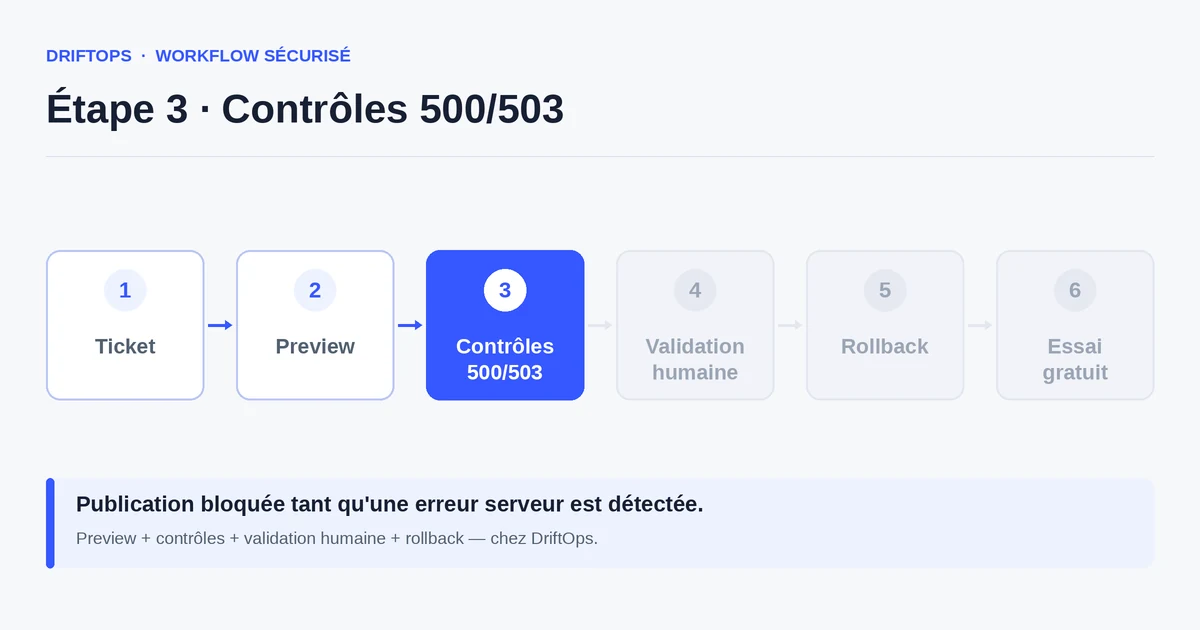
Then check the critical paths: product page with combinations, add to cart, full checkout, and price and stock consistency per store view. Also verify that no 500 or 503 error appears.
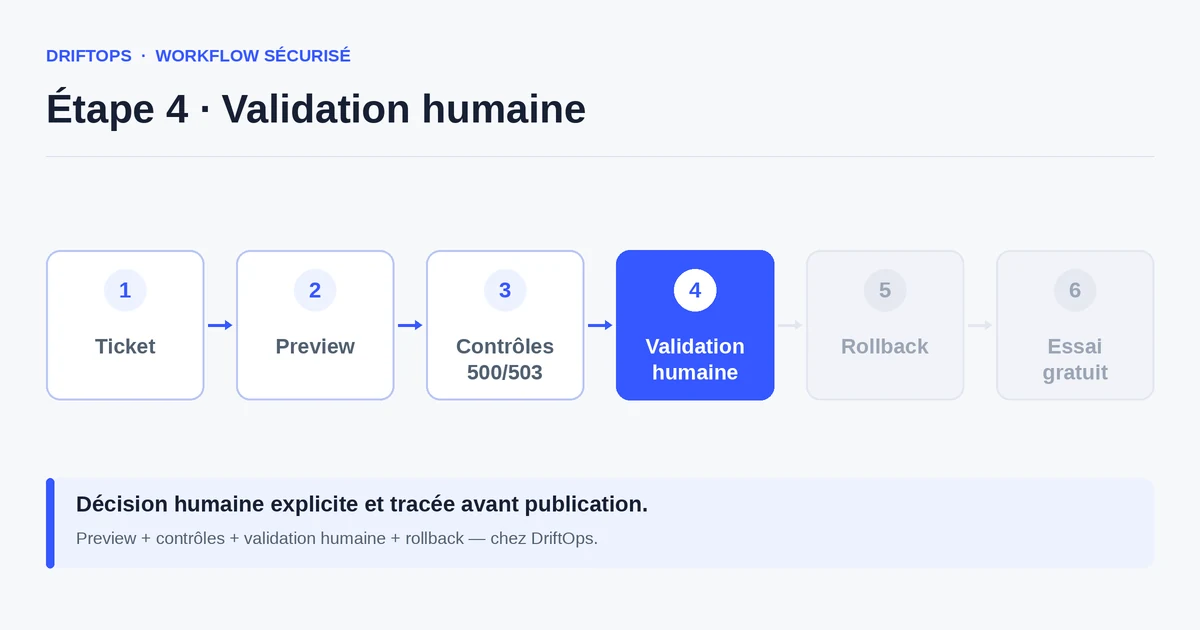
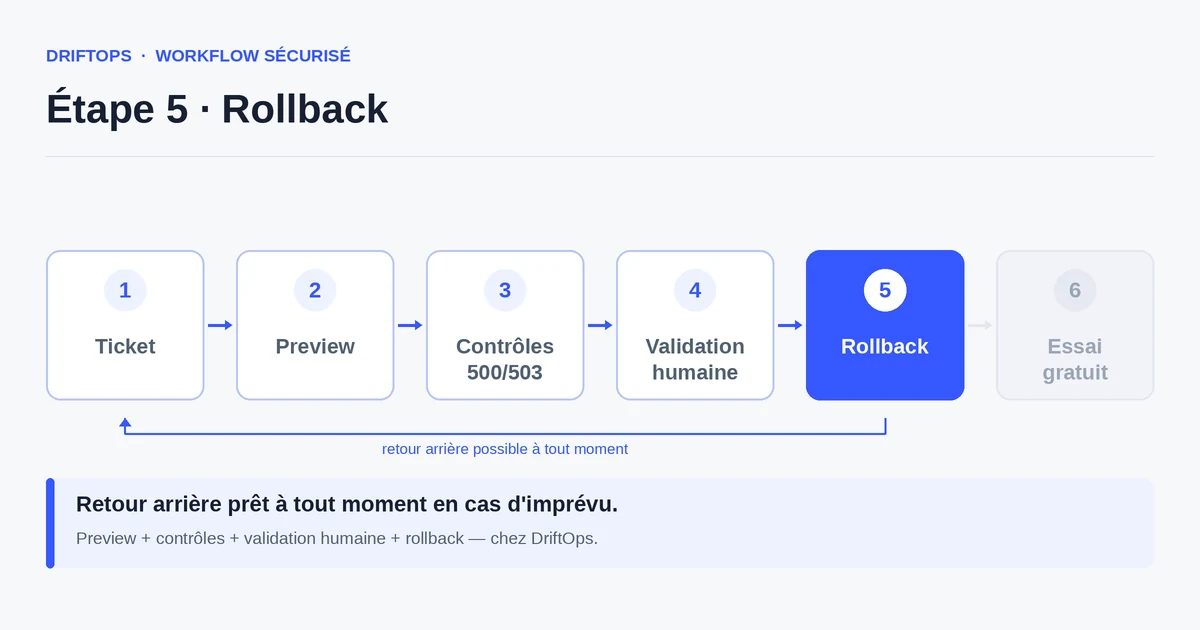
DriftOps gathers these checks in one place and keeps a rollback point. Publishing only happens after a human validation, and the rollback is ready if an indicator degrades.
Direct server command vs controlled release
The classic method chains server commands in production: deployment, compilation, cache flush, fingers crossed that traffic does not drop during the operation.
A controlled release prepares and verifies these steps on a copy first. Production only receives what has been validated, and the cache warm-up is anticipated to avoid slow first visits.
PrestaShop, WooCommerce and Magento compared
| Platform | Frequent risk | Recommended check |
|---|---|---|
| PrestaShop | Modules, overrides, hooks, translations and Smarty cache. | Test product pages, cart, checkout, back office and cache clearing. |
| WooCommerce | Plugins, WordPress options, webhooks, emails and scheduled actions. | Check cart, sandbox payment, coupons, stock and order emails. |
| Magento | Indexes, full-page cache, compilation, store views and modules. | Check catalogue, checkout, indexing, cache warm-up and rollback artefact. |
Publishing a Magento update without commercial stress becomes more reliable when these differences are treated as explicit checks rather than server details.
Use case: editing a Magento shipping block
A team edits a shipping block on Magento. The product page looks fine at first glance in the admin.
On the preview, the test reveals an abnormally slow cart as soon as a product has several sizes, due to a poorly cached shipping calculation. The problem is fixed before going live.
Once the smooth path is validated and the cache warmed, the change is published without degrading the experience of the first visitors.
Checklist before a Magento release
Before publishing, check the technical layers and the key paths.
- Code compilation successful.
- Full catalogue reindexing.
- Full-page cache warmed before traffic arrives.
- Product page, combinations, price and stock correct per store view.
- Full checkout through to confirmation.
- No 500 or 503 error on critical pages.
- Rollback artefact identified before publishing.
Measuring the calm of your Magento releases
Track the response time of critical pages right after publishing and the number of slow pages reported. A well-prepared cache keeps these numbers stable.
Also count the releases done without an emergency intervention: it is the clearest indicator of a Magento workflow becoming reliable.
Conclusion: prepare, verify, then publish
Magento rewards preparation. Incidents rarely come from the code alone, but from environment layers — index, cache, compilation — that must be handled in order.
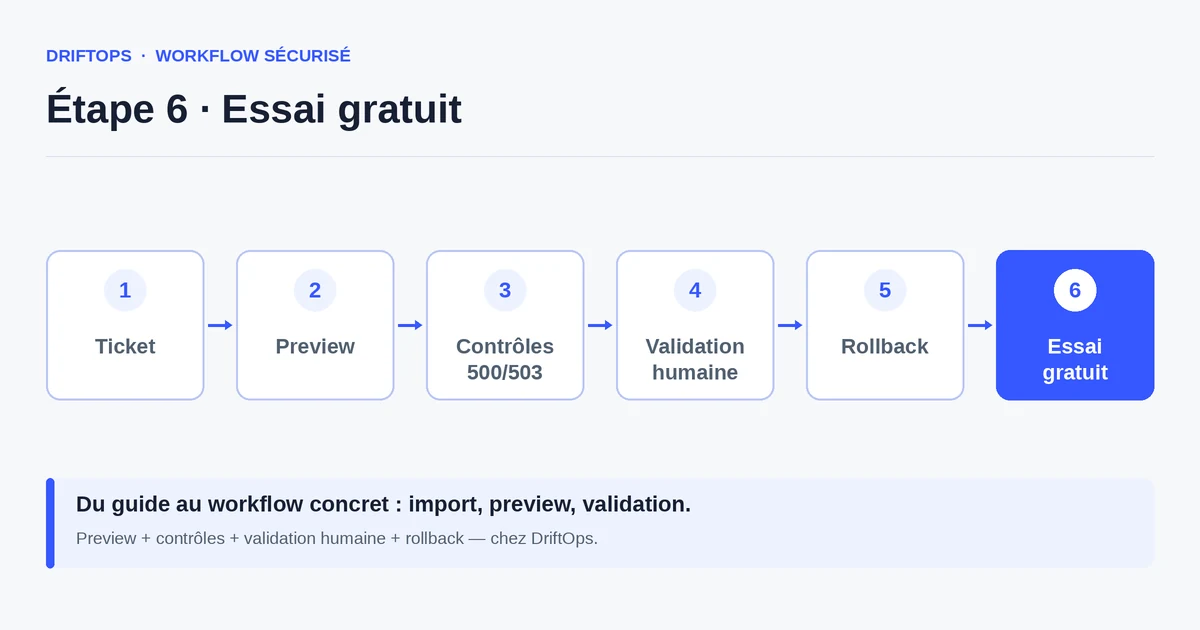
By checking these layers on a copy and keeping a rollback ready, you publish without commercial stress. DriftOps centralises these checks and traces the final decision.
Test your next Magento release
Check the critical paths and cache warm-up on a copy before touching production.
Start a free trialSee pricingHow it worksFrequently asked questions
Why does Magento break after an update that seems fine?
Often because of the index, full-page cache or code compilation, not the code itself. These layers must be regenerated and checked before publishing.
In what order should the Magento operations run?
On a copy, run compilation, then reindexing, then cache warm-up; these steps must succeed before any functional test of the store.
Should I warm the cache before publishing?
Yes. A cold full-page cache slows the first visits right when traffic arrives, so warm it before going live.
What can a missing reindex cause?
An update that does not reindex correctly can display wrong prices or stock, giving the impression of a breakdown even if the store technically works.
How do I handle multiple store views?
Check prices, stock and the critical paths on each affected store view, as a setting can differ from one to another.
Why check for 500 or 503 errors on Magento?
A poorly recompiled payment or shipping module can throw errors or block checkout; DriftOps checks the critical pages return healthy codes before publishing.
How do I keep a Magento release calm?
Apply the update on a copy, run compilation, reindex and cache warm-up, verify the checkout, and keep a rollback artefact ready in case a signal degrades.
How do I measure that my Magento releases improve?
Track the response time of critical pages right after publishing and count the releases done without an emergency intervention.
Reduce the stress of your Magento releases
DriftOps gathers the checks before publishing and keeps a rollback ready if a signal degrades.
Start a free trialSee pricingHow it works