
6 min read
The go-live mistakes that break a store
E-commerce incidents rarely come from a dramatic gesture. They are often born from ordinary habits: a forgotten cache, an untested module, a file pushed too fast.
For a customer, the technical scale is irrelevant: they only see that the store no longer sells properly, and trust drops very fast.
This guide lists the most common deployment mistakes and offers a simple method to prevent them before going live.
Avoid the most common go-live mistakes
Turn your checks into a routine: preview, verification of the pages that sell, and validation before publishing.
Start a free trialSee pricingHow it works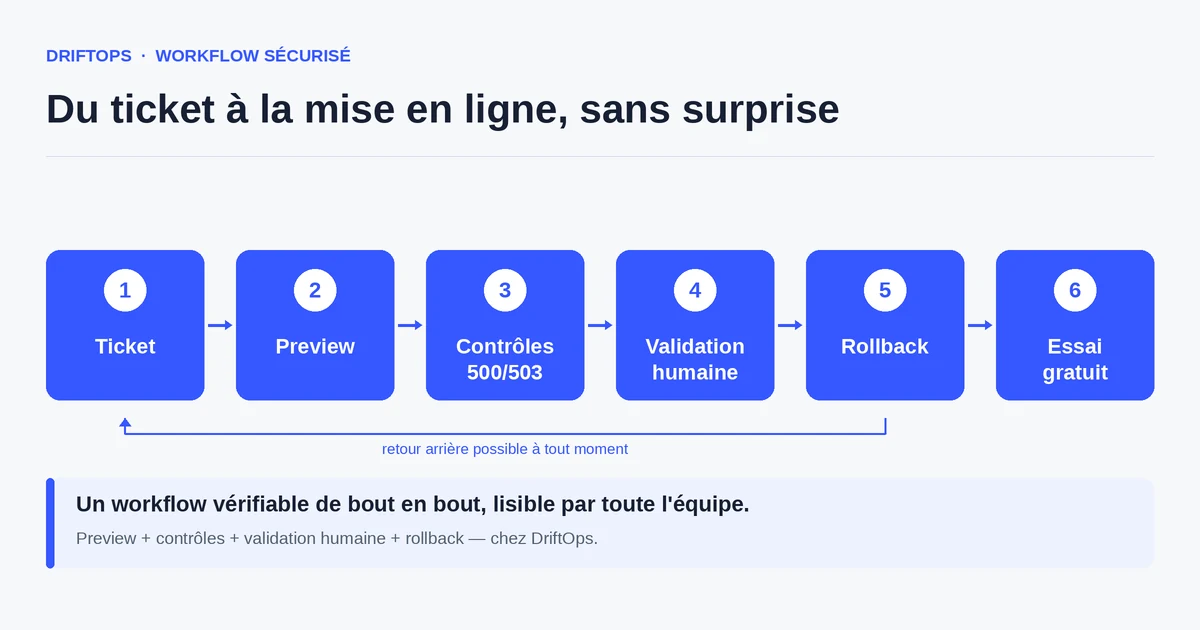
Where go-live incidents really come from
Most e-commerce outages are not due to a lack of skill, but to the absence of a verification step between the change and production. You publish "quickly", and production discovers the problem.
The mistakes look alike across platforms: cache not cleared, module updated without testing, forgotten dependency, configuration differing between the working environment and production.
The common point: these mistakes are invisible until you run the real purchase path. They reveal themselves at the worst moment, when a customer tries to buy.
The most common mistakes and their impact
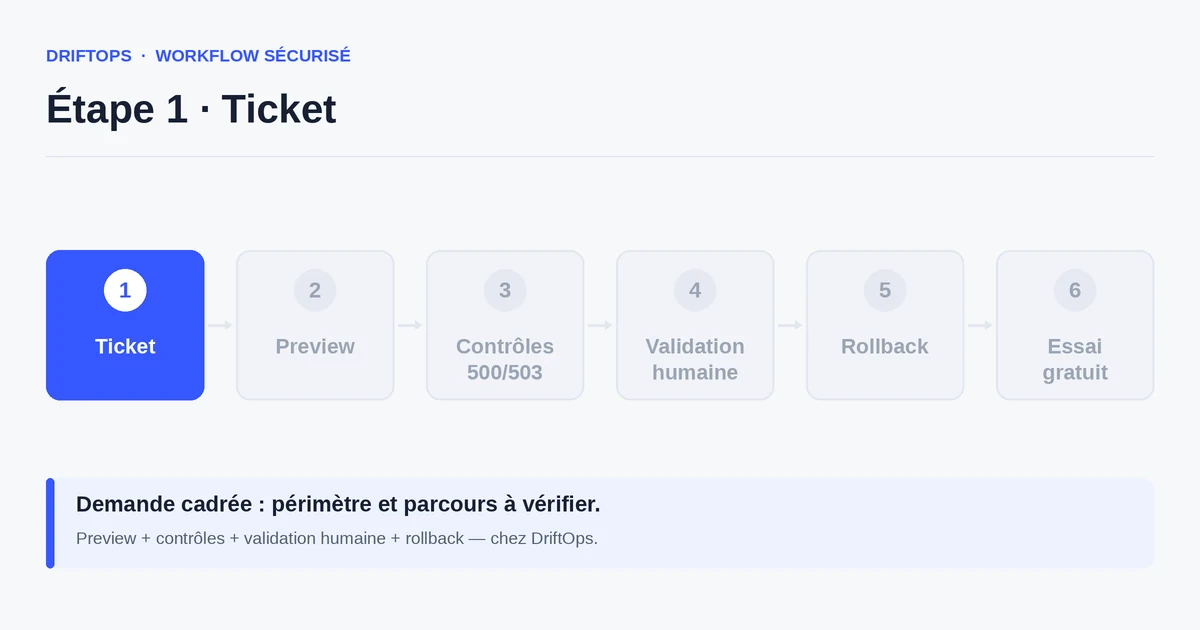
Publishing without clearing or rebuilding the cache keeps serving an old version: a customer sees a stale price, stock or content. On PrestaShop as on Magento, this is a classic cause of incidents.
Updating a module without testing it in the real path causes cart or payment regressions. Pushing a file by FTP without review introduces inconsistencies that are hard to track down afterwards.
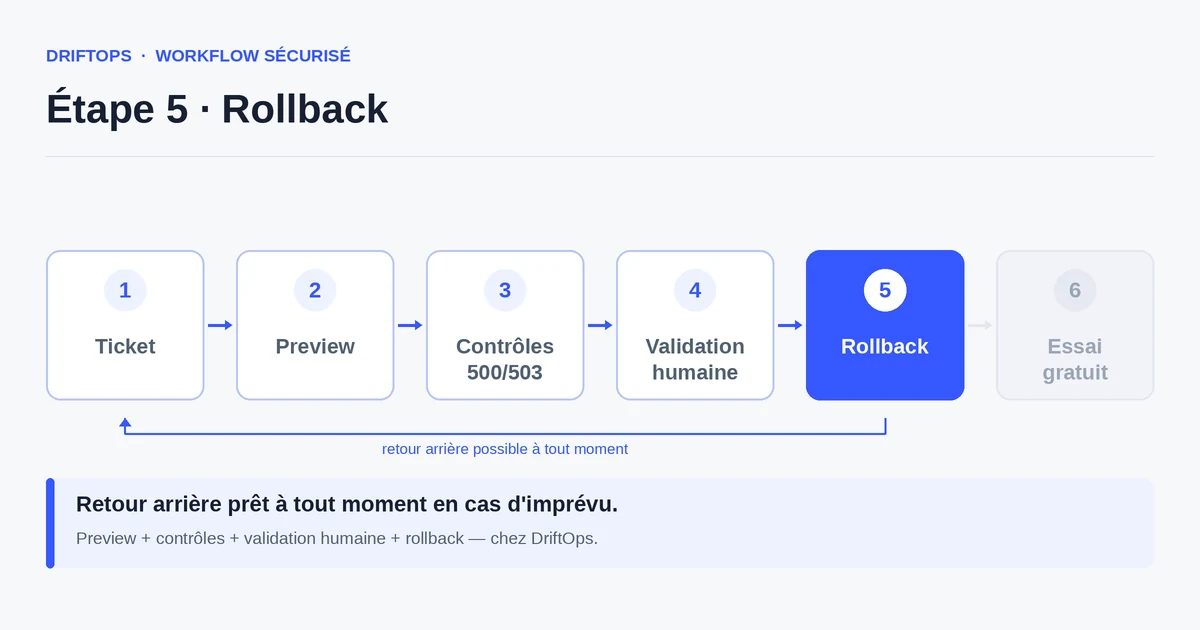
Finally, publishing without a rollback plan turns a small mistake into a prolonged emergency: you look for how to revert at the very moment every minute counts.
The method: anticipate rather than repair
Before each release, list the risks tied to the change: which pages, which modules, which paths can be affected. This short analysis points the tests at what matters.
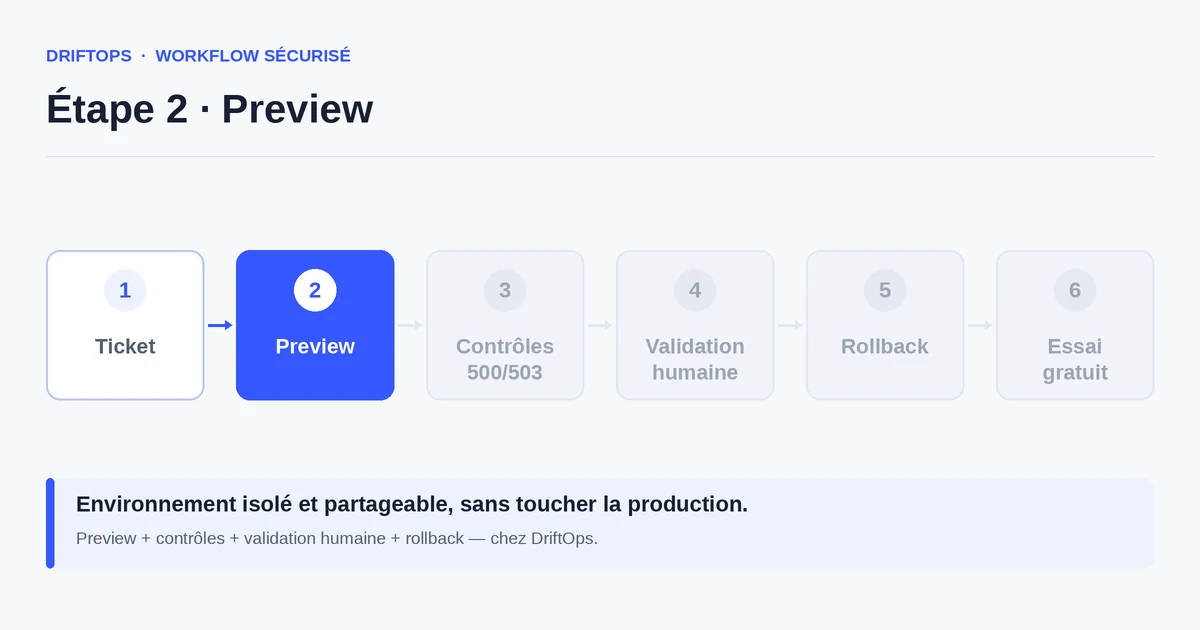
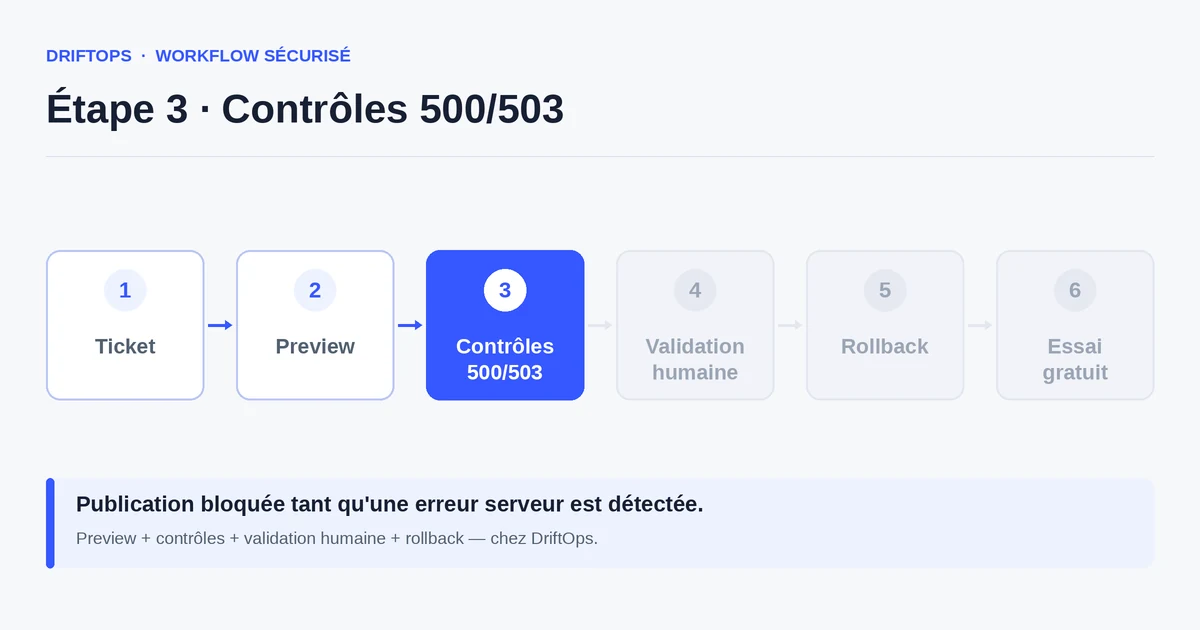
Then test the pages that sell — product, cart, payment — on a preview, and check the modules involved. Always keep an identified rollback option before publishing.
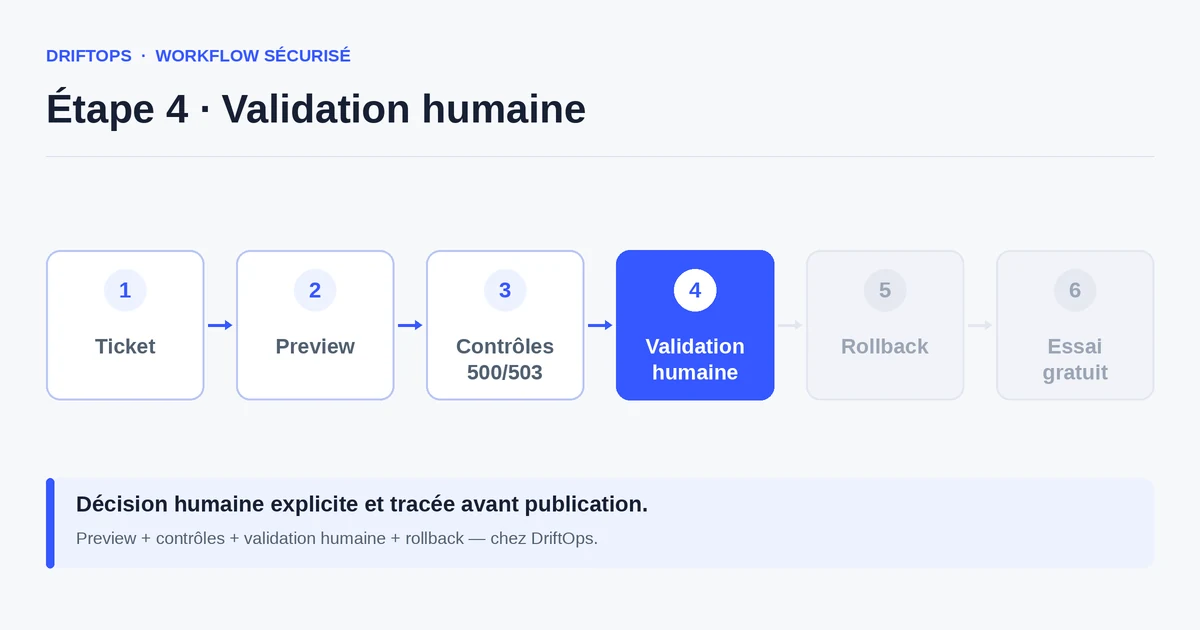
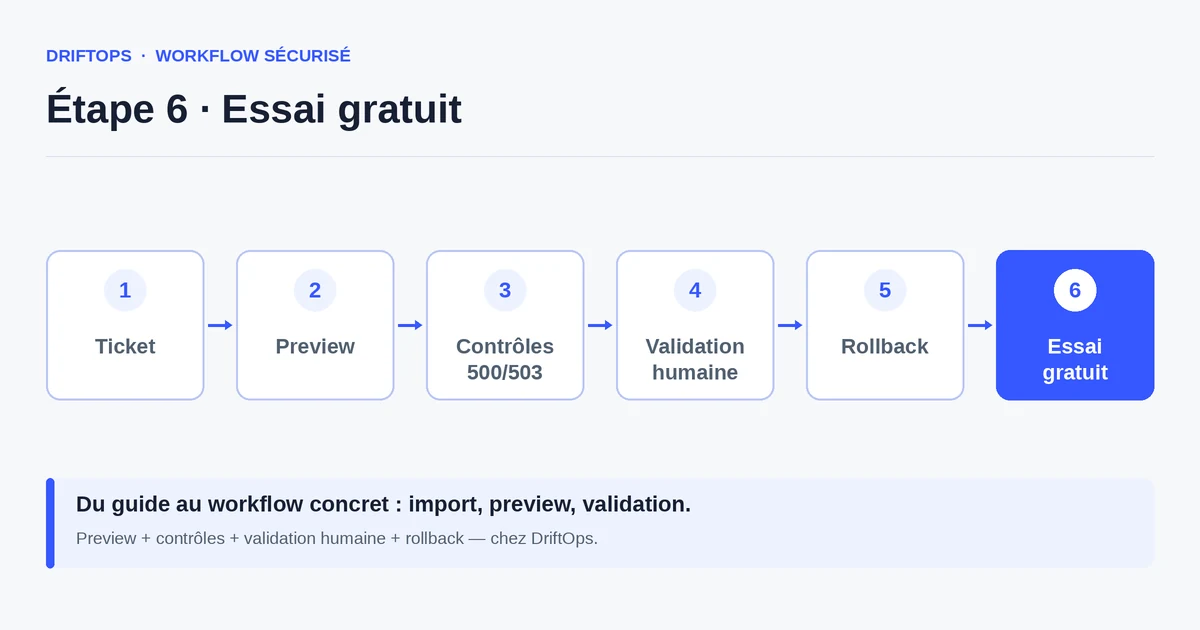
DriftOps turns these checks into a reproducible routine: every change goes through a preview, checks and a validation, which reduces the share of improvisation.
Publishing on instinct vs verified publishing
Publishing on instinct relies on experience: "it should be fine". It often works, until the day an unexpected interaction breaks the funnel and nobody has a plan.
Verified publishing moves the uncertainty before going live. You do not remove the risk, but you meet it on a copy rather than in front of customers.
PrestaShop, WooCommerce and Magento compared
| Platform | Frequent risk | Recommended check |
|---|---|---|
| PrestaShop | Modules, overrides, hooks, translations and Smarty cache. | Test product pages, cart, checkout, back office and cache clearing. |
| WooCommerce | Plugins, WordPress options, webhooks, emails and scheduled actions. | Check cart, sandbox payment, coupons, stock and order emails. |
| Magento | Indexes, full-page cache, compilation, store views and modules. | Check catalogue, checkout, indexing, cache warm-up and rollback artefact. |
The go-live mistakes that break a store becomes more reliable when these differences are treated as explicit checks rather than server details.
Use case: a cart rule changed before a campaign
A team changes a cart rule on PrestaShop just before sending an email campaign. The home page and the product page work perfectly.
But on the preview, the coupon promised in the email fails in the checkout flow: the discount does not apply at payment. Without a test, thousands of customers would have hit the error at the same time.
The problem is fixed before sending the campaign, which avoids a wave of disputes and a loss of sales at the most visible moment.
Anti-mistake checklist before publishing
This short list catches the most common mistakes.
- Cache cleared or rebuilt after the change.
- Modules touched tested in the real path.
- Pages that sell checked: product, cart, payment.
- Coupons and pricing rules tested through to payment.
- Configuration consistent between the copy and production.
- Path verified on mobile.
- Rollback plan identified before publishing.
Measuring the drop in incidents
Keep a simple log of releases and their incidents. Over time, the number of mistakes discovered in production should decrease in favour of those caught in preview.
Also track the average resolution time: when a rollback is prepared, any incident is resolved in minutes rather than hours.
Conclusion: caution can be systematised
The most costly deployment mistakes are also the most avoidable. They require not more skill, but a constant verification step.
By making the preview, the checklist and the rollback a routine, you protect orders before publishing. DriftOps makes this discipline easy to keep day to day.
Shield your deployments from classic mistakes
Create a preview, run the checklist and keep a rollback ready before every release.
Start a free trialSee pricingHow it worksFrequently asked questions
What is the most common deployment mistake?
Publishing without clearing the cache or without testing the touched module, which serves a stale version or breaks the purchase path.
Where do go-live incidents actually come from?
Usually from the absence of a verification step between the change and production, not from a lack of skill; production then discovers the problem.
Why is a forgotten cache so risky?
On PrestaShop as on Magento, a cache not cleared or rebuilt keeps serving an old version, so customers see a stale price, stock or content.
What happens if I push a file by FTP without review?
It introduces inconsistencies that are hard to track down afterwards, and a module updated without testing can cause cart or payment regressions.
How do I avoid discovering a bug in production?
Run the pages that sell — product, cart, payment — on a preview before publishing and keep an identified rollback ready.
Why test coupons and pricing rules through to payment?
Because a promotion can show on the product page yet fail to apply in the cart, creating frustration and disputes in the middle of a campaign.
What does publishing without a rollback plan cost?
It turns a small mistake into a prolonged emergency, because you look for how to revert at the very moment every minute counts.
Do I need a procedure even for a small change?
Yes. Small changes cause just as many incidents; DriftOps turns the preview, checklist and rollback into a routine that secures them.
Make pre-publish checks a habit
DriftOps makes caution easy to keep: every change has its preview, its validation and its fallback plan.
Start a free trialSee pricingHow it works