
7 min read
How to test PrestaShop before touching the real store
Testing directly on the live store is still a common habit: you disable a module, clear a cache, and watch. As long as customers are buying, that reflex becomes dangerous.
A staging environment is a copy of the store dedicated to trials. It lets you verify a change in realistic conditions without exposing the checkout flow to the public.
This guide explains how to create a useful PrestaShop staging copy, what it must contain, and how to make it accessible to non-technical people.
Create a PrestaShop staging copy without Docker or SSH
Get a testable copy of your store in minutes, share a link and validate before publishing.
Start a free trialSee pricingHow it works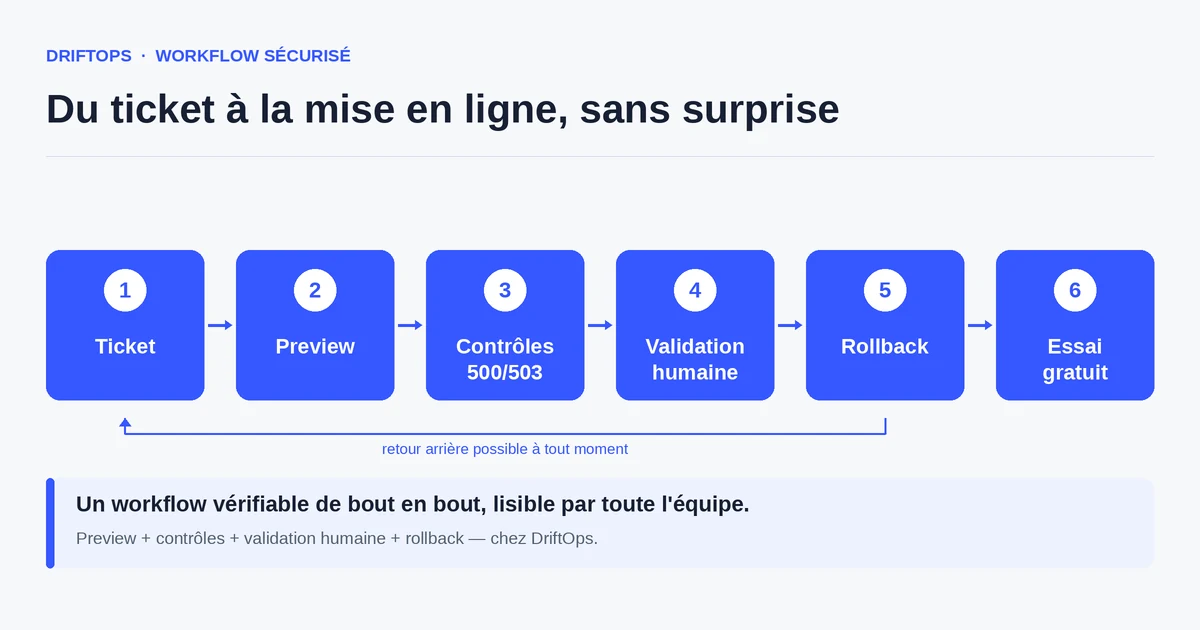
What a staging environment is really for
A staging environment is not a luxury for technical teams: it is the place where you are allowed to make mistakes. You install a module, test a theme, check a promotion there without fearing you will block a real order.
To be useful, it must resemble production: the same modules, the same theme, a representative copy of the catalogue and settings. An empty or very different staging gives false confidence, because it does not reproduce the conditions that cause incidents.
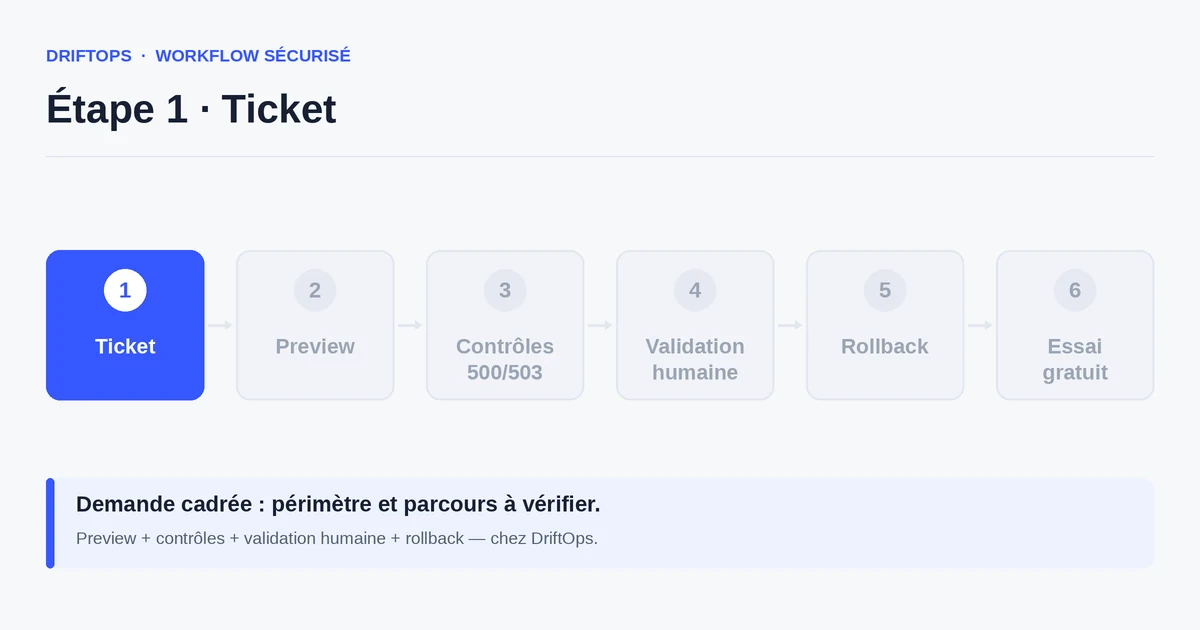
Its other role is communication: it gives a concrete link to show the merchant or client, who can see the change instead of imagining it from a description.
The risks of a store without a test environment
Without staging, production becomes the draft. Every test is public: a misconfigured module, a theme broken on mobile or a wrong pricing rule are immediately visible to visitors.
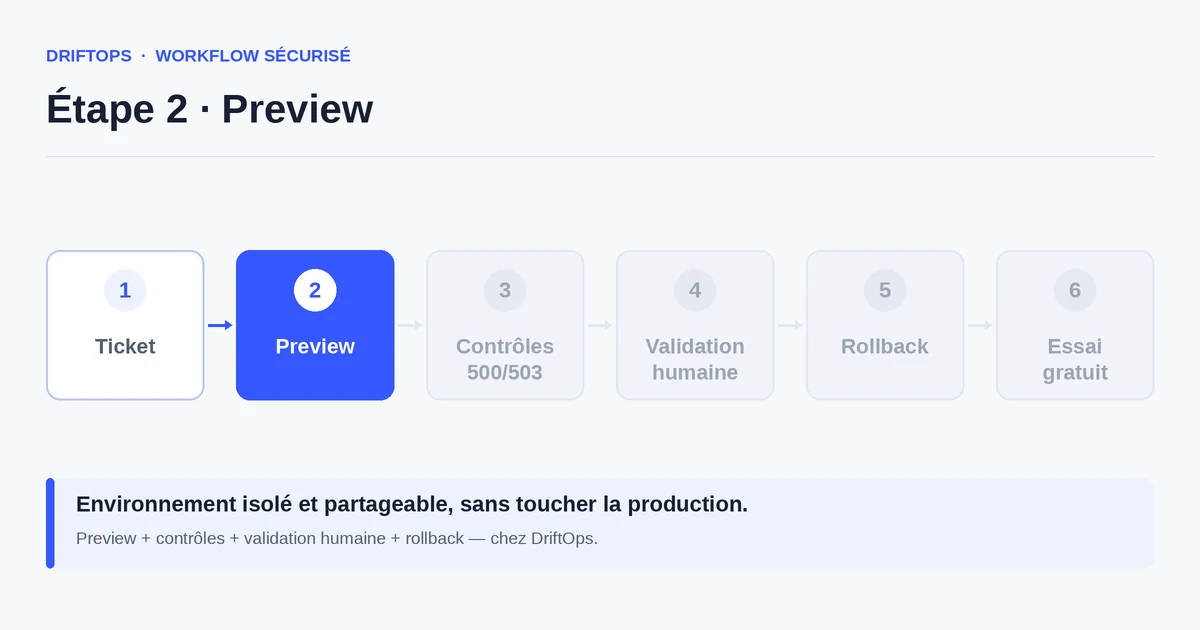
The most costly risk concerns the checkout flow. Trying out the payment or shipping module directly in production can block purchases for the duration of the check, exactly when you thought you were saving time.
Finally there is a trust risk: a client who discovers a bug at the same time as their own customers loses faith in the team, even if the fix is fast.
The method for a faithful staging copy
Start from a recent copy of production: files, database and module configuration. The closer the copy, the more reliable the tests. Anonymise or limit sensitive customer data to comply with GDPR.
Isolate staging from the public and from search engines (restricted access, blocked indexing) to avoid duplicate content and stray orders. It must be easy to recreate: a staging frozen for months eventually drifts from production.
DriftOps prepares this copy without asking the merchant to handle Docker or SSH. Testing happens from a link, and publishing only takes the validated version.
Testing in production vs a dedicated staging
Testing in production seems fast: no copy to prepare, you change things directly. But the slightest misstep is visible and can interrupt sales, and there is no safety net between the trial and the customer.
A dedicated staging requires a preparation step, quickly paid back: you test calmly, you show the result, and the live store only changes once everything is validated.
PrestaShop, WooCommerce and Magento compared
| Platform | Frequent risk | Recommended check |
|---|---|---|
| PrestaShop | Modules, overrides, hooks, translations and Smarty cache. | Test product pages, cart, checkout, back office and cache clearing. |
| WooCommerce | Plugins, WordPress options, webhooks, emails and scheduled actions. | Check cart, sandbox payment, coupons, stock and order emails. |
| Magento | Indexes, full-page cache, compilation, store views and modules. | Check catalogue, checkout, indexing, cache warm-up and rollback artefact. |
How to test PrestaShop before touching the real store becomes more reliable when these differences are treated as explicit checks rather than server details.
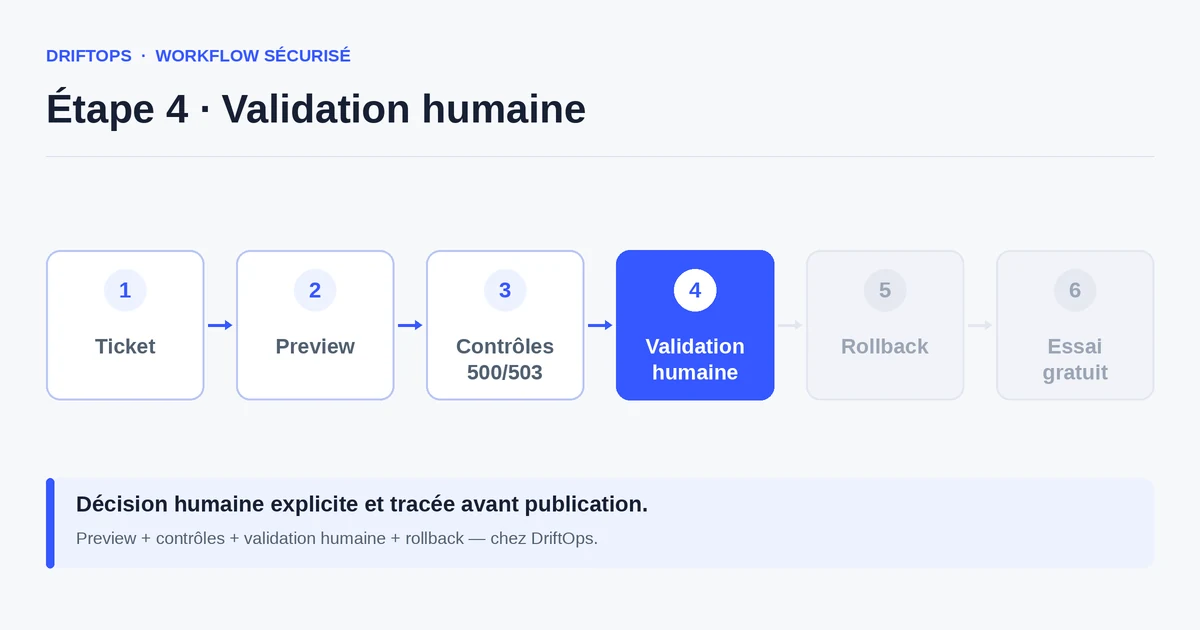
Use case: adding a customer reviews module
A manager wants to add a customer reviews module to their PrestaShop store. On staging, they check the display on the product page, on the home page, on desktop and on mobile.
The test reveals that the reviews block pushes the "Add to cart" button below the fold on mobile. Caught before release, this flaw is fixed with no loss of conversion.
Once the rendering is validated via the preview link, the module is published to production with the certainty that it does not harm the purchase path.
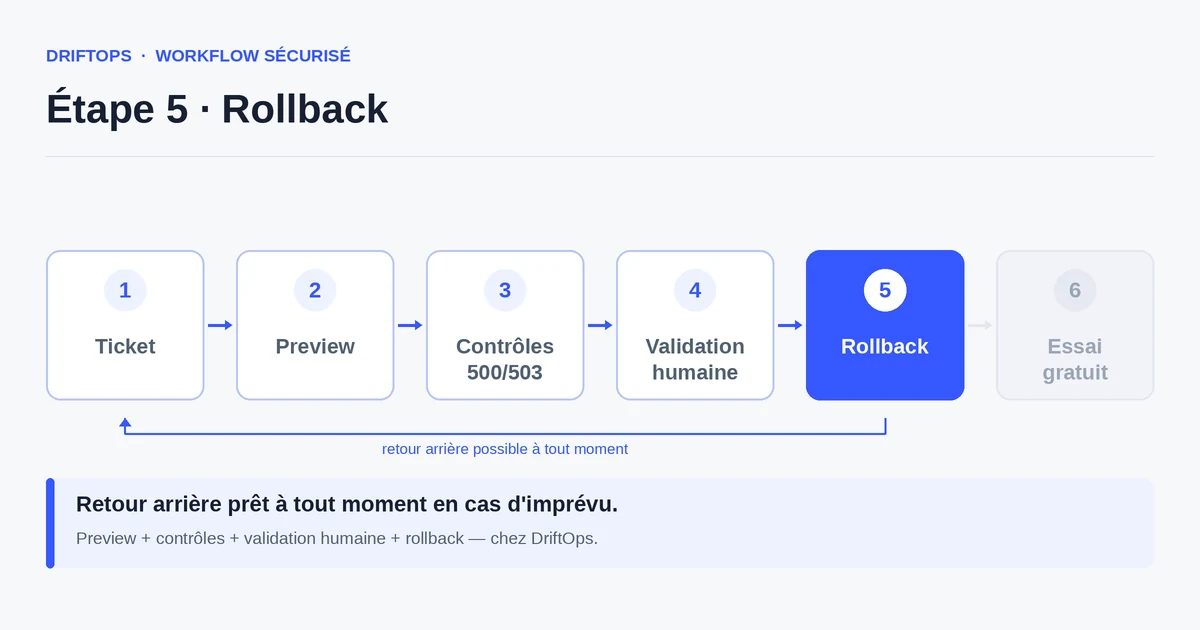
Checklist for setting up a staging environment
A useful staging ticks a few essential boxes.
- Recent copy of files, database and module configuration.
- Customer data limited or anonymised (GDPR compliance).
- Restricted access and blocked indexing for search engines.
- Same modules and same theme as production.
- A shareable link for merchant validation.
- A simple procedure to recreate the copy when it drifts.
- An end-to-end purchase path testable (cart, test payment).
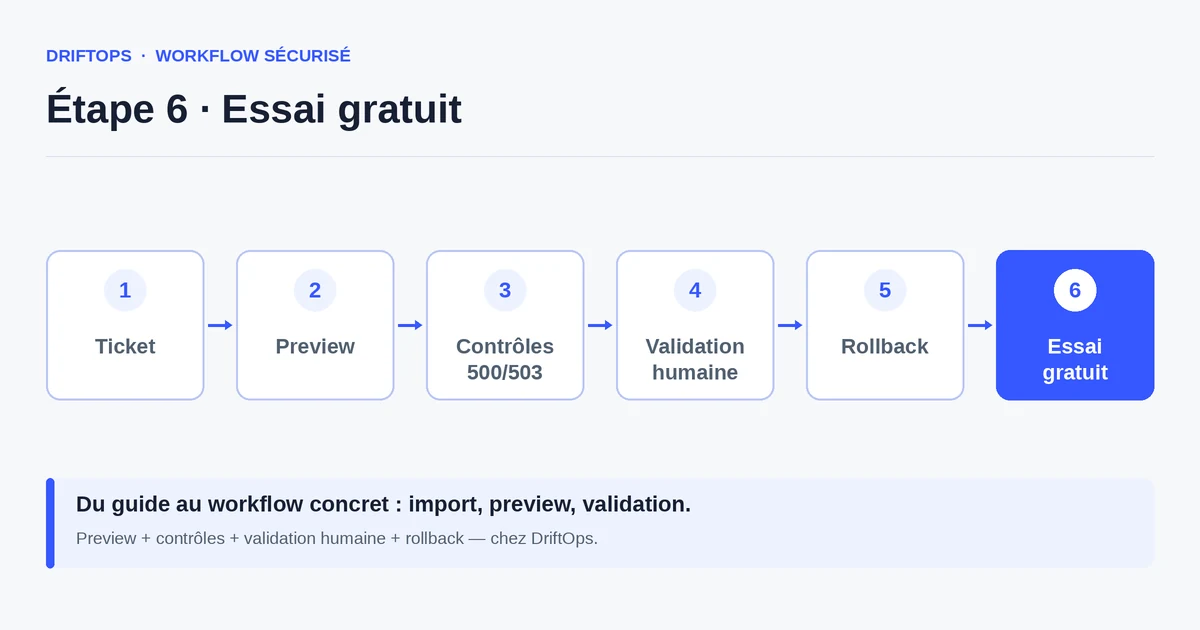
Measuring the usefulness of your staging
Count the number of flaws caught on staging before each release: each one is an incident that never reached your customers. A staging that never catches anything is probably too far from reality.
Also track the validation time on the merchant side: a clear link shortens the back-and-forth and speeds up the decision to publish.
Conclusion: the test copy protects your sales
A staging environment clearly separates the moment you experiment from the moment you sell. It is the simplest way to keep the live store from becoming a testing ground.
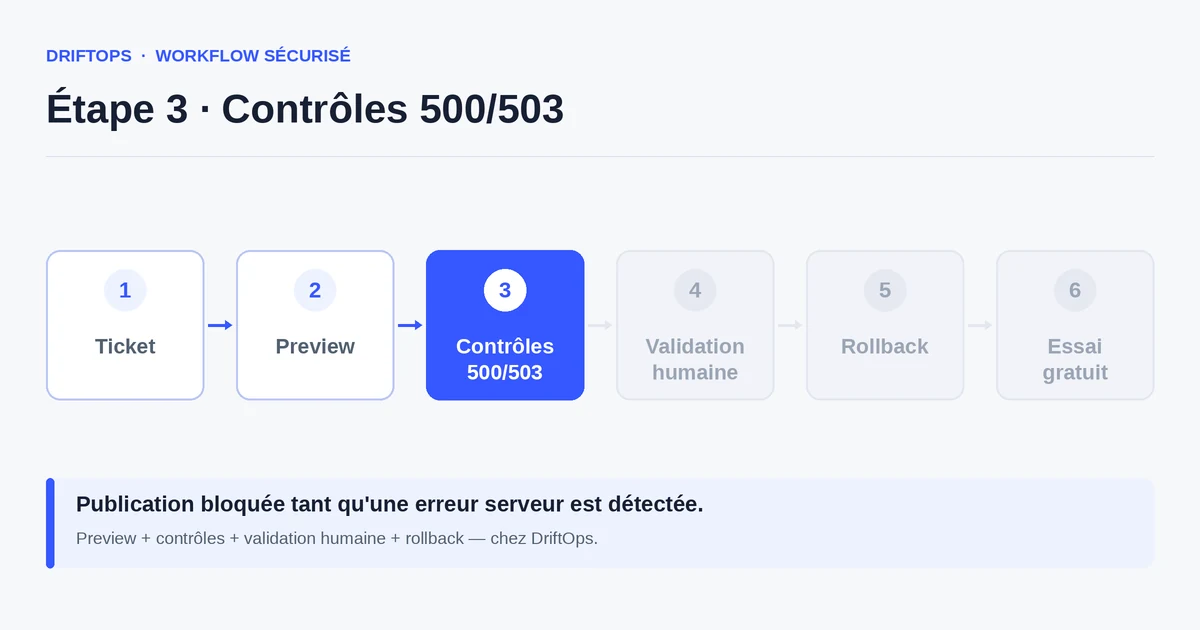
By making it faithful, isolated and easy to recreate, you validate your changes in real conditions. DriftOps puts this copy within reach of a non-technical team and traces validation before publishing.
Validate your next module on an isolated copy
Check the product page, cart and payment on staging, then publish only the validated version.
Start a free trialSee pricingHow it worksFrequently asked questions
What is a PrestaShop staging environment for?
It is a copy of the store dedicated to trials, where you can install a module, test a theme or check a promotion without fearing you will block a real order.
What must a useful staging copy contain?
The same modules and theme as production plus a representative copy of the catalogue and settings; an empty or very different staging gives false confidence.
Should staging contain real customer data?
No. Limit or anonymise personal data to stay GDPR-compliant while keeping a representative catalogue.
How do I keep staging from receiving stray orders or being indexed?
Restrict access and block indexing for search engines, so it stays isolated from the public and avoids duplicate content.
Do I need Docker or SSH skills to create a staging copy?
No. With DriftOps the copy is prepared for you and testing happens through a simple shareable link.
How often should I recreate staging?
Ideally on every significant change, so it stays close to production; a staging frozen for months drifts and becomes unreliable.
How does staging help validate with the merchant?
It gives a concrete preview link the merchant can open and approve, replacing screenshots and descriptions and speeding up the decision to publish.
What does it mean if my staging never catches a flaw?
It is probably too far from production; a faithful copy should regularly catch flaws, like a reviews block pushing the buy button below the fold on mobile.
Keep the store stable during your trials
Reserve production for sales and staging for tests: DriftOps prepares the copy and traces the validation.
Start a free trialSee pricingHow it works