
6 min read
Do you need to understand Docker to secure a store?
Docker is often presented as a must. For a merchant, the word means nothing, and they should not have to learn it to publish calmly.
The real need is not "master Docker", but "check that a change does not break the store before publishing it". These are two different things.
This guide separates the technical tool from the business need, and shows how to validate a store without imposing Docker on non-technical people.
Validate your store without learning Docker
Get a testable version in the browser and validate the purchase path without a developer tool.
Start a free trialSee pricingHow it works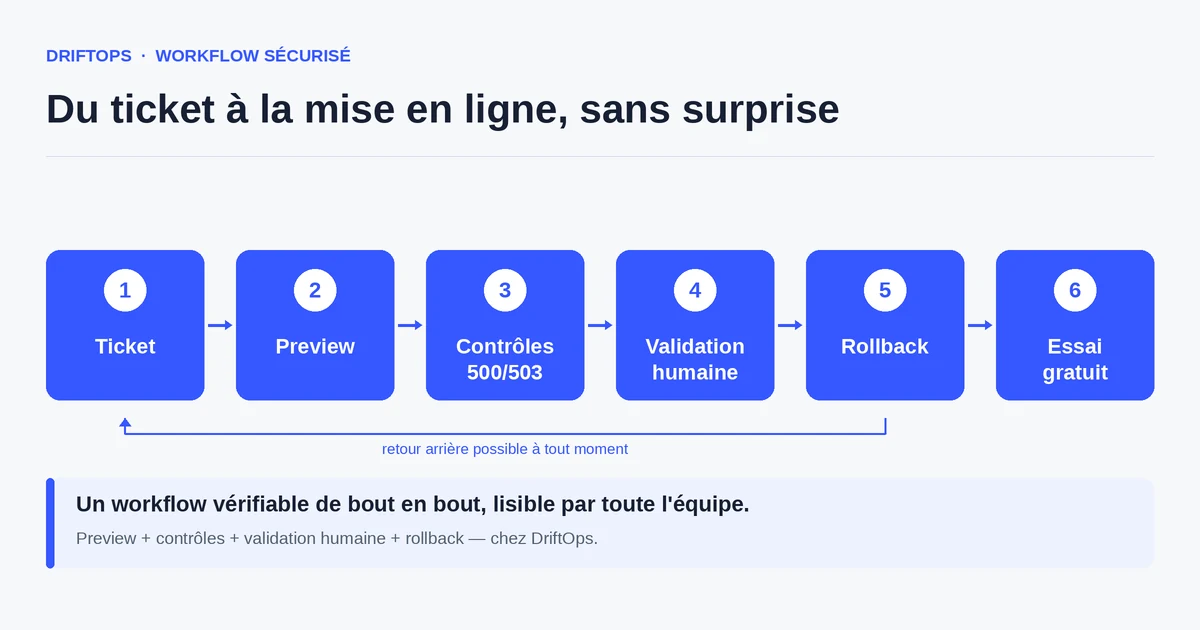
Docker: a tool, not a goal
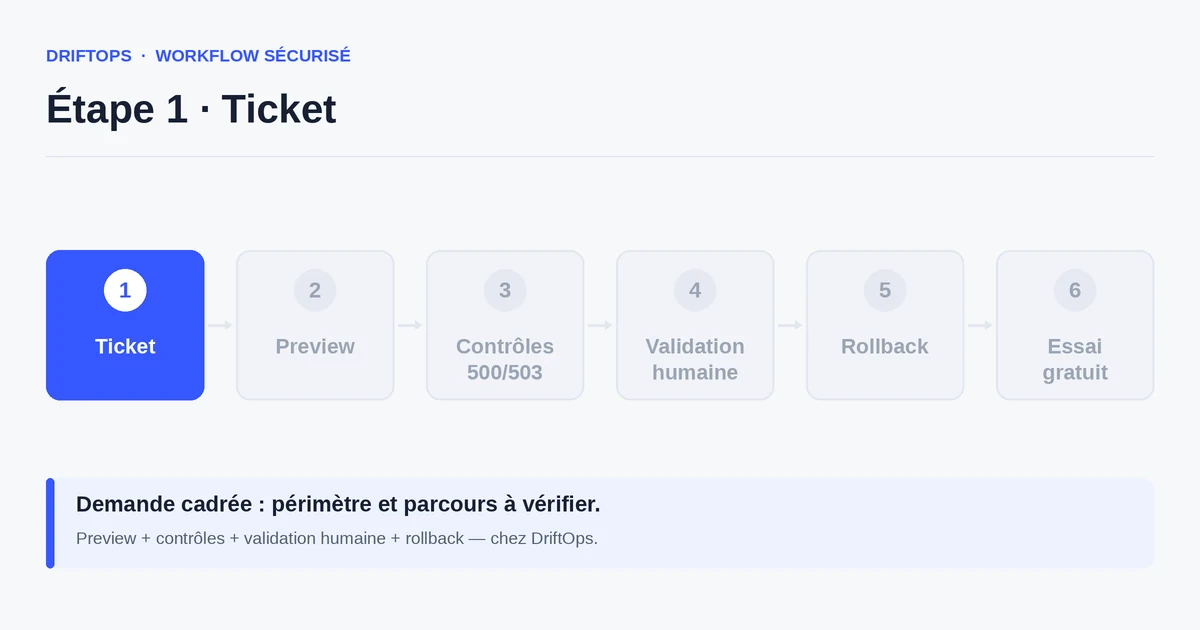
Docker is used to reproduce a technical environment consistently. That is valuable for a development team, but it is a means, not an end. A merchant's goal remains to sell without incidents.
Confusing the tool with the need creates an artificial barrier: you make people believe they must "understand Docker" to validate a store, when what they need is to check cart, payment and content.
The right question is not "Is Docker required?" but "Who should see Docker?". The answer: the technical team, not the merchant.
The risks of imposing technology on everyone
When validation requires technical skills, it concentrates on a single person. The merchant becomes a spectator and can no longer decide knowingly.
This dependence slows everything: the slightest check waits for the technician's availability, and validations pile up. The business need — confirming the store sells — comes after the tool.
There is also a trust risk: a client told about containers and terminals feels they are losing control of their own store.
The method: separate the technical tool from validation
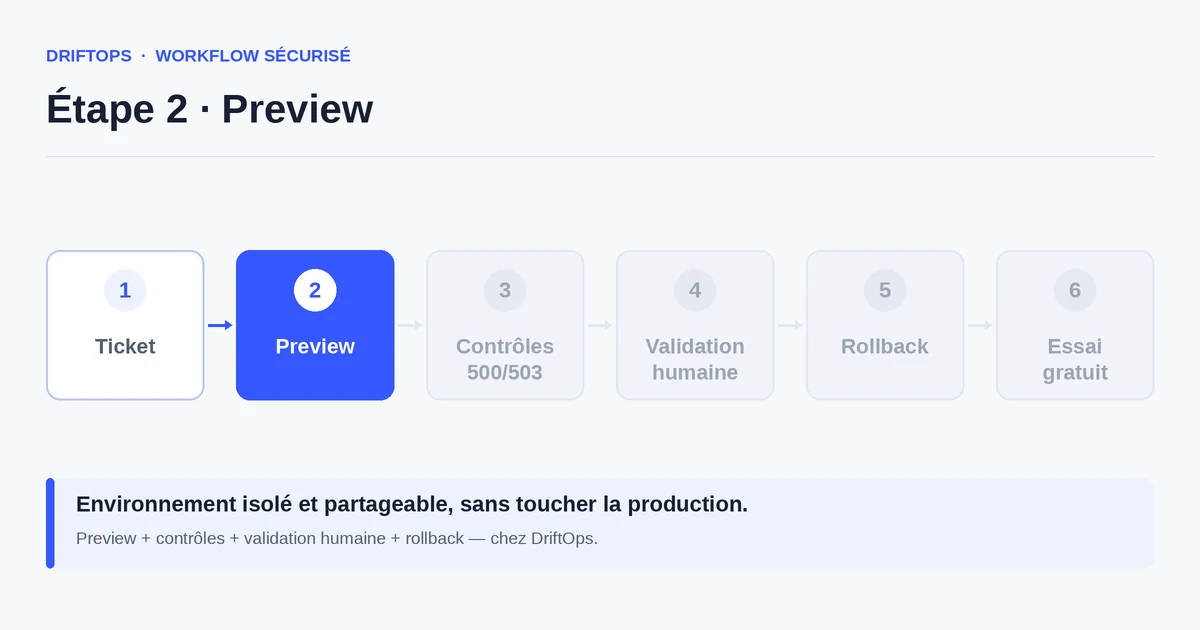
Keep Docker (or any other tool) on the technical team's side, where it is useful. On the merchant's side, present a testable version accessible in the browser, via a simple link.
The merchant validates what they understand: the product page renders, the cart works, the test payment goes through. They do not need to know how the preview is built technically.
DriftOps applies exactly this principle: the complexity stays invisible to the business user, who only sees the store to validate before publishing.
Technical validation vs business validation
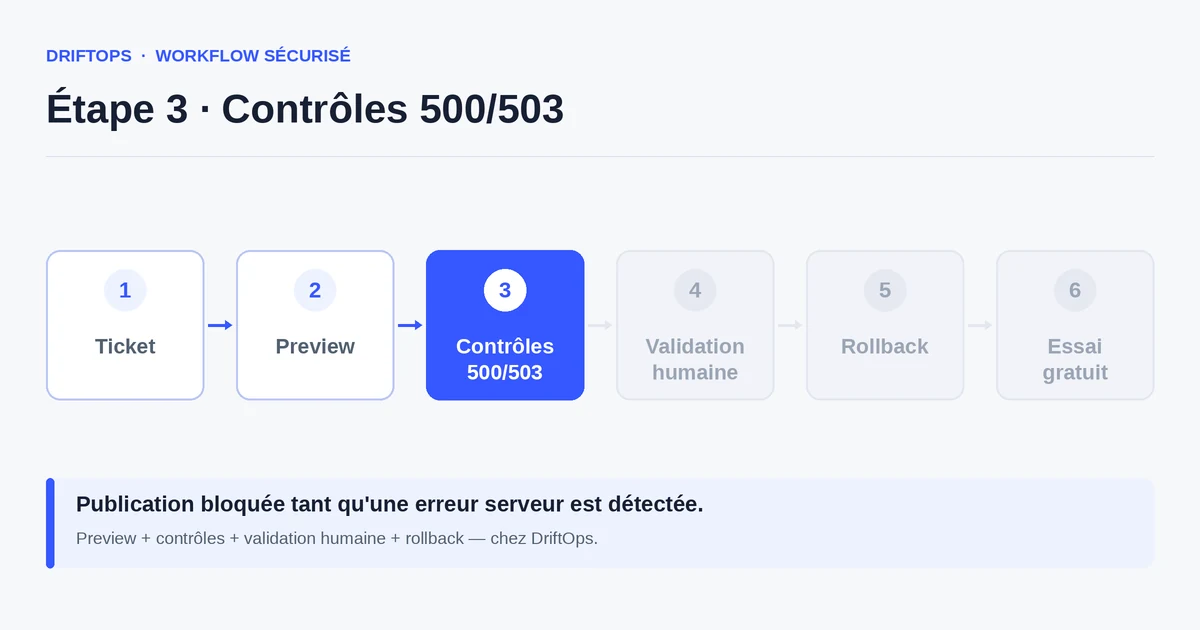
A purely technical validation checks that the environment builds and the code passes the checks. It is necessary, but it does not prove a customer can buy.
A business validation runs the purchase path on a readable preview. The two are complementary: the first reassures the technical team, the second reassures the merchant.
PrestaShop, WooCommerce and Magento compared
| Platform | Frequent risk | Recommended check |
|---|---|---|
| PrestaShop | Modules, overrides, hooks, translations and Smarty cache. | Test product pages, cart, checkout, back office and cache clearing. |
| WooCommerce | Plugins, WordPress options, webhooks, emails and scheduled actions. | Check cart, sandbox payment, coupons, stock and order emails. |
| Magento | Indexes, full-page cache, compilation, store views and modules. | Check catalogue, checkout, indexing, cache warm-up and rollback artefact. |
Do you need to understand Docker to secure a store? becomes more reliable when these differences are treated as explicit checks rather than server details.
Use case: a promo module to validate
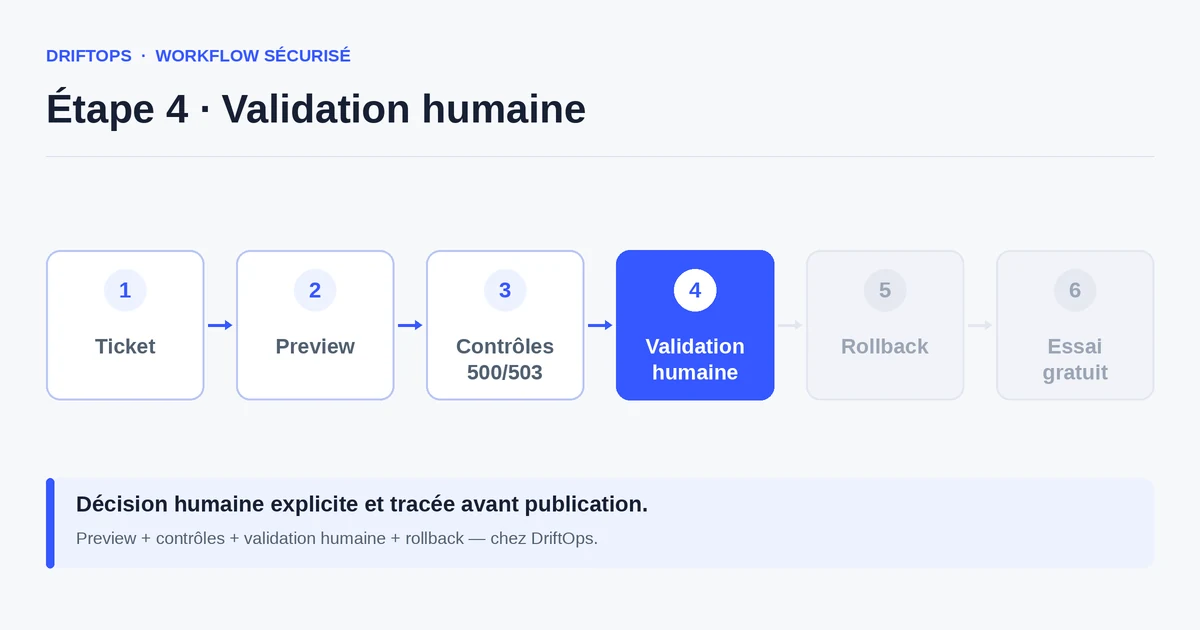
A PrestaShop store is preparing a promotion module. The technical team prepares it with its tools, Docker included if needed.
The merchant, on the other hand, receives a test link. They add a product, check that the discount applies in the cart and that the payment succeeds, without ever opening a terminal.
Publishing happens once their validation is obtained. Everyone stayed in their role: the tech on the team side, the decision on the merchant side.
Checklist: validating without a technical tool
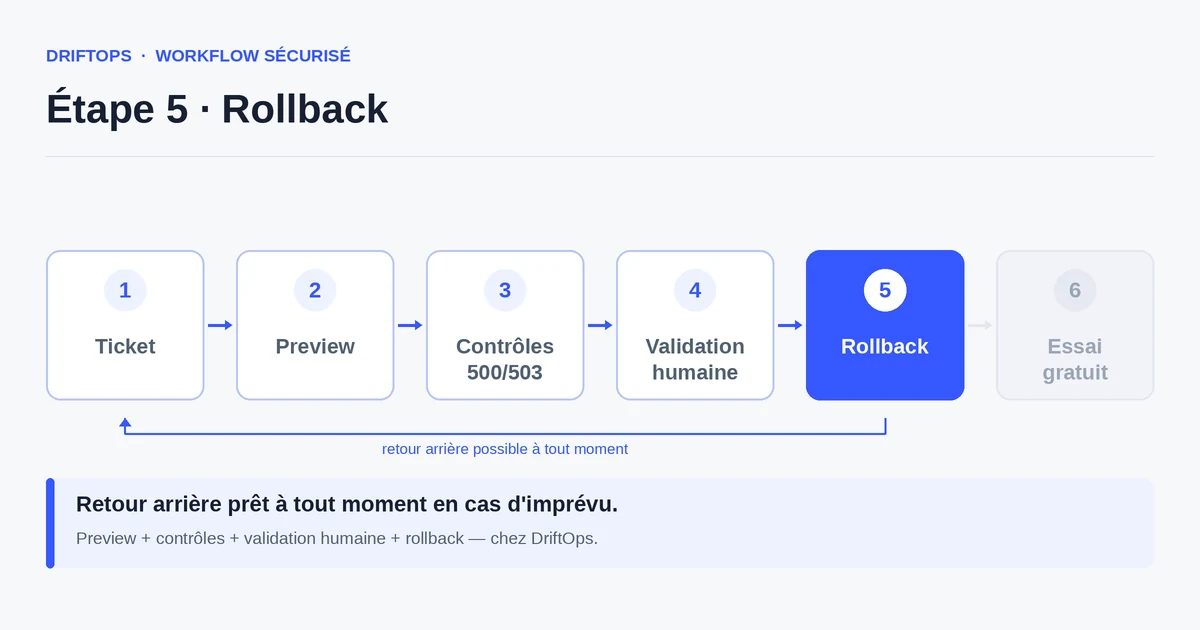
What the merchant should be able to do without server skills.
- Open the preview from a simple link.
- Check the display of key pages (home, product).
- Test add to cart and the checkout flow.
- Confirm that a test payment succeeds.
- Check the rendering on mobile.
- Give a clear validation before publishing.
Measuring the accessibility of your validation
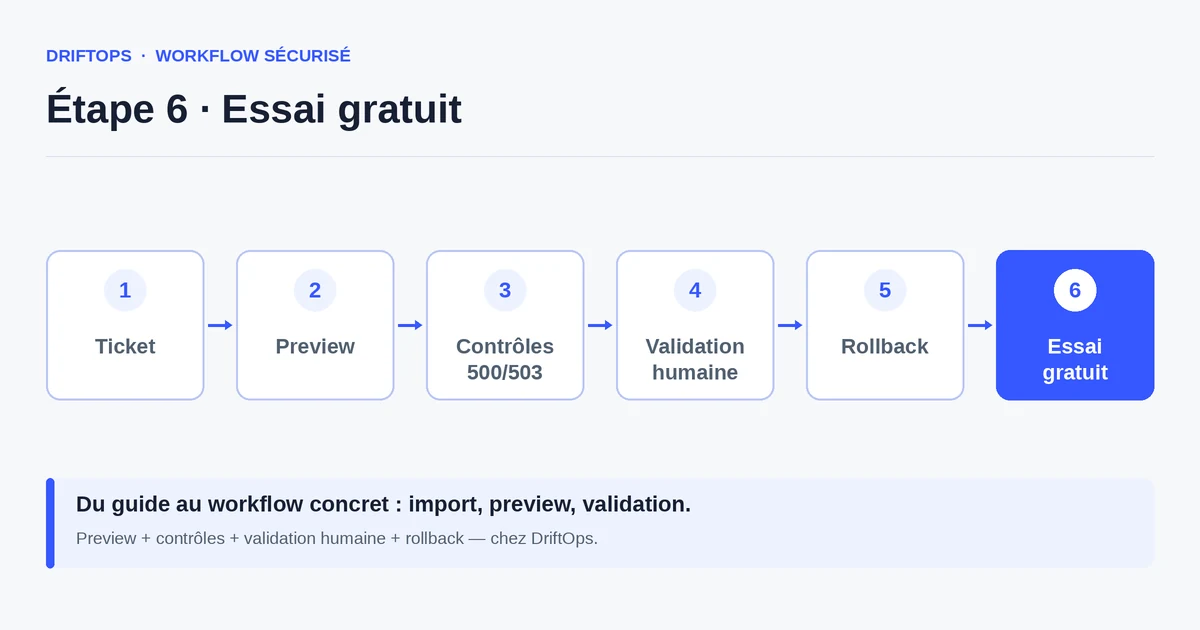
Count the share of validations done directly by the merchant, without technical intervention. The higher it gets, the healthier and faster the process.
Also track the time between the preview being made available and the decision: a jargon-free path noticeably shortens it.
Conclusion: Docker for teams, not for clients
Docker can help technical teams, but it must never become a barrier for the merchant. Securing a store means validating the purchase path, not mastering a container.
By separating the tool from the decision, you make validation accessible to everyone. DriftOps keeps the complexity on the technical side and offers a clear preview on the business side.
Keep the tech on the tool side, not the client side
Let the technical team use its tools and offer the merchant a simple preview to validate.
Start a free trialSee pricingHow it worksFrequently asked questions
Do I need to know Docker to use DriftOps?
No. The technical complexity stays on the tool side; the merchant validates the store from a simple link in the browser.
Is Docker useless then?
No, it is useful for technical teams to reproduce an environment consistently. The point is that it should not be imposed on business users.
What is the right question about Docker?
Not "Is Docker required?" but "Who should see Docker?" The answer: the technical team, not the merchant.
What is the risk of imposing technology on everyone?
Validation concentrates on a single person, the merchant becomes a spectator, the slightest check waits for the technician, and the client feels they are losing control.
How does a non-technical person validate a change?
By opening the preview in their browser and checking the display of key pages, add to cart, the test payment and the mobile rendering.
What is the difference between technical and business validation?
Technical validation checks that the environment builds and the code passes; business validation runs the purchase path on a readable preview to prove a customer can buy.
How does DriftOps keep validation accessible?
It hides the technical complexity so the merchant sees the store, not the terminal, and can give a clear validation before publishing.
How do I measure that validation is accessible?
Count the share of validations done directly by the merchant without technical intervention; the higher it gets, the healthier and faster the process.
Make validation accessible to everyone
DriftOps hides the technical complexity: the merchant sees the store, not the terminal.
Start a free trialSee pricingHow it works